Comparison
Where the session actually lives
What the word separation covers
Storage is not one thing. Cookies, local storage, databases, service workers and the cache share one jar, and a page can write to any of them.
So a tool either gives an account a jar of its own or it does not. Emptying a jar afterwards is a different job from keeping two jars apart.
One jar for everything
Every tab of the browser reads and writes the same set.
A jar for the window
A set that exists while a window is open and goes with it.
A jar per account
A set that stays on disk between launches and belongs to one login.
A jar on other hardware
A set kept apart because the machine under it is a different machine.
Eight ways on one axis
Rows are the approaches and columns are the questions this axis asks. An empty cell means the question does not apply rather than that the answer is bad.
The last row is ours, and you can check every cell in it yourself: each one comes from code you can open, not from a brochure.
| Where the session is kept | Left after the window closes | Separate sets on one machine | Travels to another machine | |
|---|---|---|---|---|
| Ordinary browser, as it is | One set for the whole browser | Yes | One | By copying the folder yourself |
| Incognito window | A set held for the window | – | One at a time | |
| Browser profiles or containers | A set per profile | Yes | As many as you create | By copying the folder yourself |
| Spoofing extension | In the browser underneath | Yes | One | |
| VPN | In the browser, untouched | Yes | One | |
| Virtual machine per account | Inside the guest system | Yes | One per machine you run | Move the disk image |
| Separate device per account | On that device | Yes | One per device | Carry the device |
| Browser with the engine patched | A data directory per profile | Yes | One per profile | Encrypted file or a synced folder |
What a directory of its own buys
Every profile gets a data directory of its own, so its cookies and logins never meet another profile's. Nothing else stands between them: the separate directory is the whole of it.
Cookies and logins
Written into that directory by the browser and read back only from it.
Storage and databases
Local storage, databases and service workers sit beside them.
The cache
Kept there too, and left behind when the session travels.
Browser preferences
The profile keeps its own settings file in that directory too.
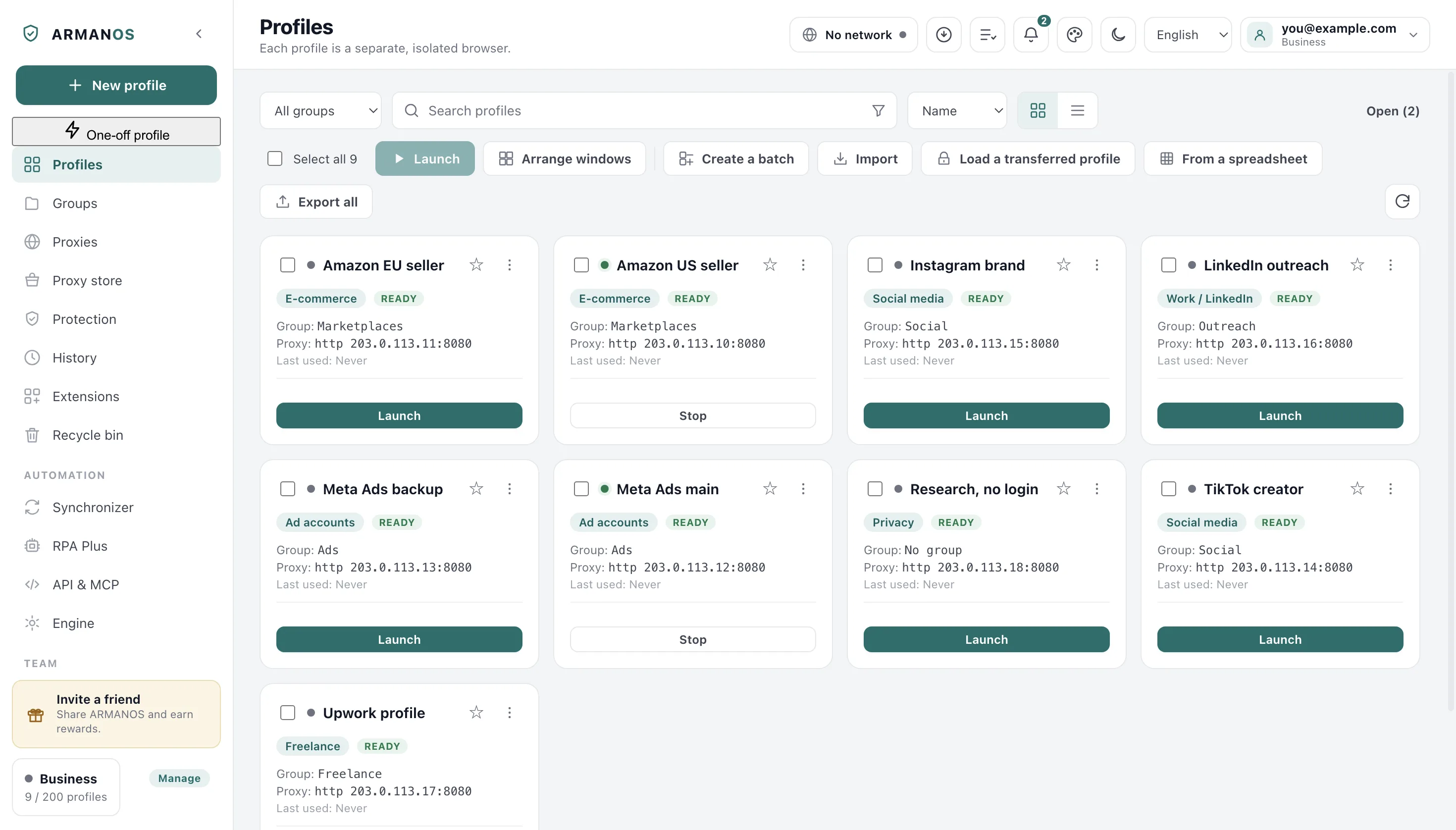
What the directory does not cover
Profiles are processes on your own system and they share it with each other and with you. Anything running under your user account can read those directories.
Your profile opens on any machine you move it to, because it is not tied to one computer's system keychain.
When a session moves house
You move a session either as one encrypted file or through a folder you already sync. Both carry the settings along with the browser data, so the account stays signed in on the second machine.
What keeps the account signed in travels: cookies, saved logins and local storage. The caches stay behind on purpose, and so do the service worker and a few site stores beside them.
Sealed with a password
A wrong password gives a plain refusal instead of damaged data.
The profile identity travels
The same profile describes the same machine on the second computer.
An open profile will not travel
Close it before you move it: copying live databases would deliver a session that does not open.
You settle a two machine clash
If both machines worked since the last sync, the app asks you instead of overwriting one quietly.
What deleting really erases
A deleted profile waits in the recycle bin with all of its browser data. The Empty the recycle bin button removes the directory holding the cookies, not just the row in the list.
What this comparison does not claim
- It does not claim that separate storage keeps accounts apart on its own. Storage is one channel of three, and the device readings and the exit address are the others.
- It does not claim that a profile is isolated from you. Profiles run under your own user account, and anything else running there can read their directories.
- It does not describe any particular product other than ours. The rows are categories of approach, and the cells say what each can do by its nature.
- It does not claim that deletion is instant. A deleted profile waits in the recycle bin with its data, and only emptying the bin removes the directory.
- It does not claim that a transfer file carries everything. The caches and the service worker stores are left behind on purpose, and a profile open at that moment is skipped rather than copied.
- It does not claim that every failure reaches the screen. If the copy in the sync folder refuses to go, nothing in the window says so.
How to check
Each line names the file that decides the behaviour and the stand that fails the build when it stops being true.
- Emptying the recycle bin removes that directory, and a failed erase on this computer is shown
- apps/desktop/src/main/main.js · apps/desktop/test/purge-honesty.js
- A transfer file carries the session, leaves the caches behind, and refuses a wrong password
- apps/desktop/src/lib/bundle.js · apps/desktop/test/profile-bundle.js
- A session travels through an ordinary synced folder, and a conflict is handed to the person
- apps/desktop/src/lib/sessionSync.js · apps/desktop/test/session-sync-folder.js
Questions
- Can one profile read another profile's cookies?
- Not through the browser. Each profile has a data directory of its own, and a page open in one profile cannot reach another profile's cookies.
- Does a proxy change anything about storage?
- No. An address decides where traffic comes out and has no opinion about what is written to disk, so the two questions are separate pages here.
- Is the transfer file readable without its password?
- No. Without the password the file does not open, and a wrong one ends in a refusal rather than in data that looks almost right.
- Does the sync folder hold the passphrase too?
- No. The passphrase stays on the machine, beside the app's own data.
- Why not put every account in a virtual machine instead?
- Because the wall is thicker and the bill is larger. A guest system costs memory, disk and a boot before the first click.
Read next
The exit address
The other axis: how the exit is set and what happens to the clock.
Profile isolation
The term itself, and what it does and does not separate.
Cookie jar
What the jar holds and who is allowed to open it.
Profiles in the app
Groups, tags, templates and the busy lock on a shared list.
Session transfer
Moving a signed in account to a second computer.
What your own browser hands over
The fingerprint check reads 12 values in your browser and sends nothing anywhere.