Solutions
Freelance
- 3
- portals the scenario names: Upwork, Fiverr, Freelancer
- 6
- daily ceilings, ramped over the first week
- AES-256-GCM
- the session file that travels through your folder
- 1
- machine holds a profile open at a time
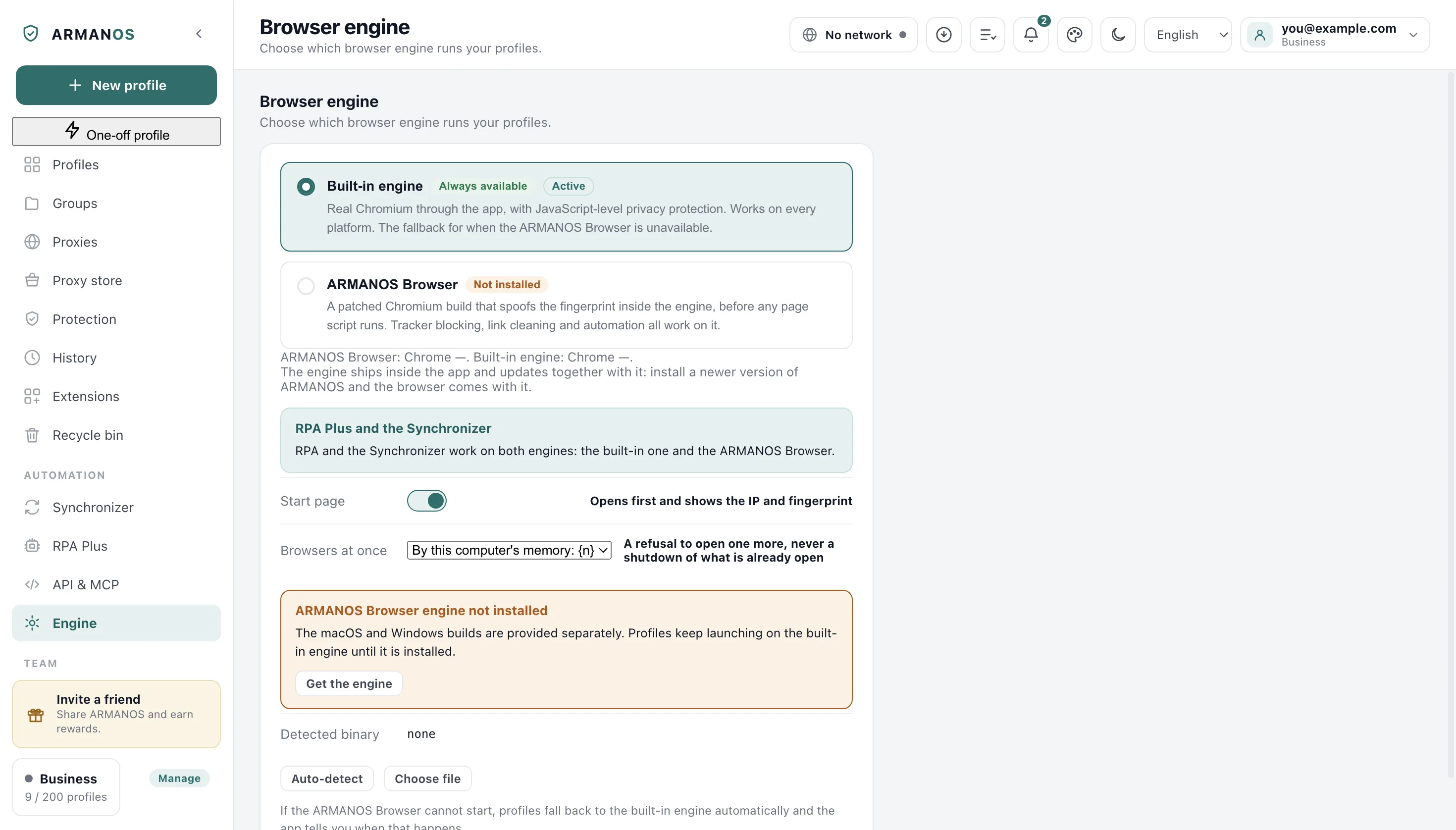
- 153.0.7978.0
- the ARMANOS Browser version profiles run on
Three accounts read as one person
Your own Upwork profile, a seller account on Fiverr, a Freelancer account: one per platform. Each one carries its own reviews, its own history and its own money.
Open two of them in one browser and the platform behind them sees one person: the same screen, the same fonts, the same graphics string, the same clock.
An account that loses its rating loses the years behind it. That is the thing being protected here, not the browser.
What separation usually looks like
Most people keep accounts apart with what is already on the machine, and each of those answers stops halfway.
The half they leave open is the device. Every window reports the same computer as the window beside it, and that is what ties two accounts together.
| Approach | Keeps apart | Leaves shared |
|---|---|---|
| Incognito window | Cookies, until the window closes | The same device readings, the same address |
| A VPN | The address you come out of | Cookies, device readings, clock and language |
| A second browser profile | The cookie jar | One machine underneath: fonts, screen, graphics, time zone |
| A second laptop | Almost everything | One more machine to buy, update and carry |
| An ARMANOS profile | Cookies, device, exit address, clock, language, extensions | Nothing your own account tells the platform about you |
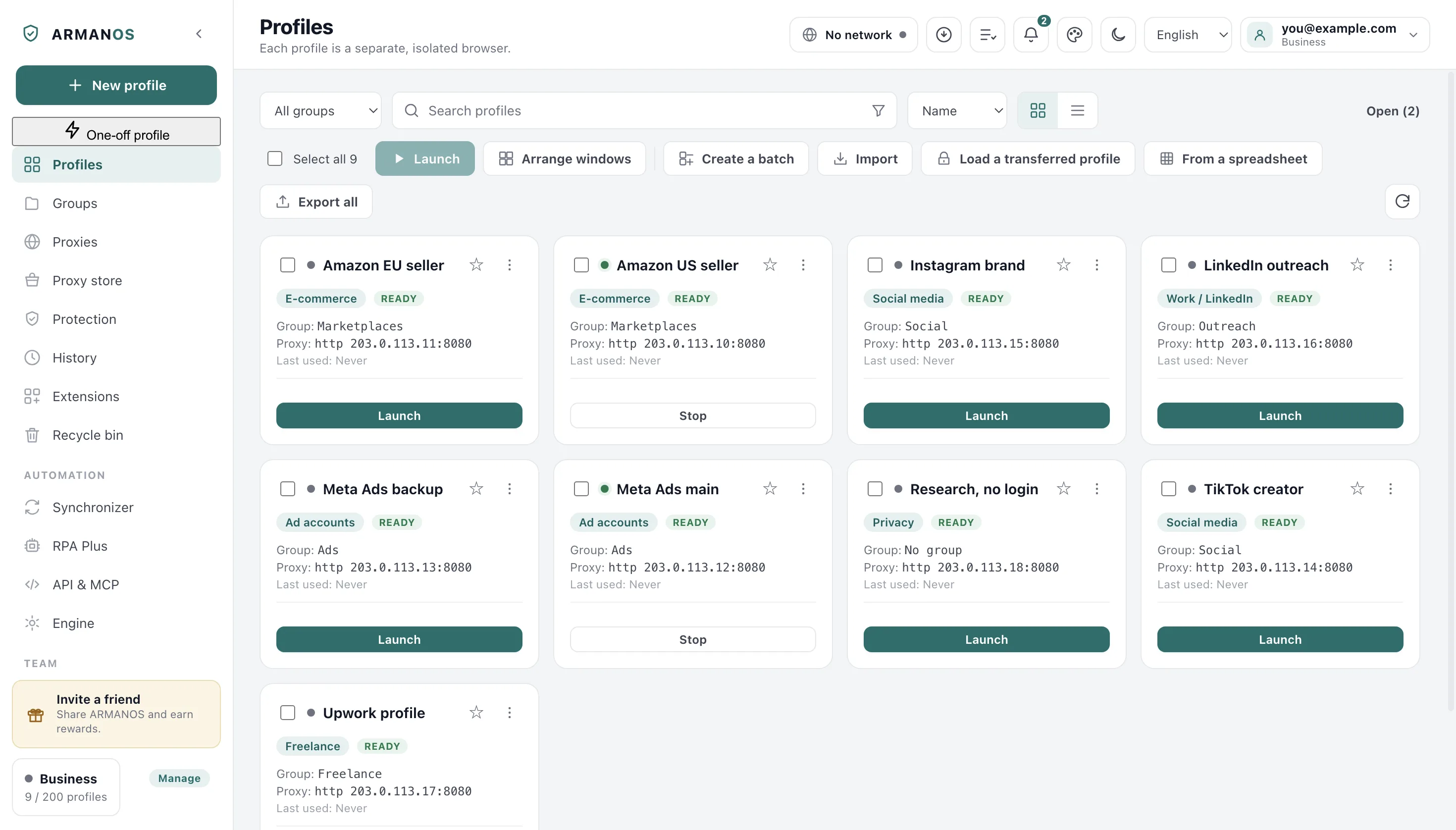
Every profile is its own browser
Cookies and site storage live in a directory that belongs to that profile alone, and the proxy is a property of the profile rather than of the machine.
The device readings are derived from the profile id, so the same profile answers the same way at every launch.
On ARMANOS Browser the engine itself hands those answers to the page, before any script on it runs.
Cookies and site storage
A directory per profile, and nothing reads across the boundary.
The exit address
A proxy that is set and cannot be applied stops the launch instead of letting the profile out from your home connection.
Clock and language
Both follow the exit country: 114 countries carry a matching time zone and a matching language list.
Device readings
Screen, cores, memory, graphics strings and the font set come from one of five templates and one seed.
Extensions
Each profile has its own enabled set, chosen from a catalog of 11 inside the app.
Passwords and one-time codes
The account password is sealed by the system on Windows only, and the code generator follows RFC 6238.
A safe pace per profile
The Freelance scenario carries six daily ceilings: the pace it treats as a safe day for a freelance account. They sit on the profile card, in the Safe daily ceiling section, next to today's count.
A profile created today starts lower. The ramp is 20, 35, 50, 65, 80 and 90 percent of the ceiling over the first six days, and the whole ceiling from day seven onward.
- Day 1
- 8 actions
- Day 2
- 14
- Day 3
- 20
- Day 4
- 26
- Day 5
- 32
- Day 6
- 36
- Day 7 and after
- 40
The ramped ceiling of a freelance profile, counted per profile and per day.
| Action | A safe day | Day 1 of a new profile |
|---|---|---|
| Proposals | 10 | 2 |
| Messages | 25 | 5 |
| New gigs | 3 | 1 |
| Profile edits | 5 | 1 |
| Payout edits | 1 | 1 |
| Account switches | 1 | 1 |
The bar warns and stops nothing
What the app counts is narrow: a top-level page opened in that profile's windows. The bar turns amber at 80 percent of the day's ceiling and red at the ceiling, and it stops nothing.
These numbers are ours
Three portals and one region
The scenario names Upwork, Fiverr and Freelancer, and naming is not automating. What you get is an ordinary browser window with an identity of its own.
The exit country is resolved over TLS from four providers rather than one, because a single free endpoint starts refusing during a bulk launch.
That answer decides the clock and the language list, so an account working from a German address does not sit in your own time zone.
- Proxy exit
- Germany
- Time zone
- Europe/Berlin
- Languages
- de-DE, de, en
- Fingerprint template
- Windows · Chrome
- Generation
- 4
One of the 114 country entries that pair an exit country with a time zone and a language stack.
Your laptop and your desk
Cookies do not live on our server. The session, the thing that keeps thirty accounts signed in, sits in the profile directory on the machine where you worked.
So you point ARMANOS at a folder your own cloud already syncs, on the Engine screen under Sessions on two computers, through a folder. Each profile leaves as a single encrypted file: scrypt to stretch the passphrase, then AES-256-GCM.
The passphrase for the sync files stays on this machine and never goes into the folder, and the system seals it on Windows only. Someone reading that folder sees a file named by the profile id and a label holding a time, a size, the machine name you typed and the app version.
- 1
You close the profile
Four seconds later the app checks that it is still closed, packs the session without the caches and writes it. The packed file has a 400 MB ceiling.
- 2
The write is atomic
A neighbouring temporary file first, then a rename, so the cloud never picks up half a session.
- 3
The other machine notices
Once a minute it reads the folder's own timestamp, and only a change there makes it read the labels.
- 4
You open the profile there
The fresh session is put in place before the window exists, and a notice names the machine it came from.
When both machines changed a session
When both machines changed one session, nothing is overwritten and nothing is merged. A notice names the other machine, the choice waits for you in the profile menu, and sending yours keeps a dated copy of what it replaced, up to three such copies.
| What changed since the last exchange | What the app does |
|---|---|
| Nothing | Nothing. The profile is in sync. |
| Only on this machine | The session is packed and written to the folder. |
| Only in the folder | The session is taken before the profile opens. |
| Both sides | Nothing is overwritten, and you choose which side to keep. |
| The folder is empty for this profile | The first send fills it. |
| The label is newer than its file | Nothing this round. It is taken once the cloud finishes copying. |
Keep both machines on one version
One profile in one place
Two live sessions of one account from two addresses is the pattern that costs people accounts. The app refuses to produce it.
When you open a profile you claim it on the server: the app renews that claim every minute and releases it the moment you close the last window. If a machine loses power, the profile does not stay claimed forever: the claim lapses after three minutes.
From the second machine you get a refusal that names the holder and when they started, not silence. A takeover is deliberate, and the previous holder sees why their windows closed.
What this does not do
- The folder is yours, not ours. If your cloud app is not running or the disk is not mounted, nothing travels, and we cannot recover a session we never hold.
- Sessions move only when a profile is closed. A machine left with windows open all day sends nothing until they close.
- Nothing is merged. When both sides changed, you keep one side and the other stays as a dated copy beside it.
- The claim on a profile needs an account and a reachable server. Signed out, or with the server unreachable, the launch is allowed rather than blocked, and two machines can then open one profile.
- The ceilings are advice. The app counts pages opened in a profile, not proposals or messages, and no portal publishes the numbers it actually enforces.
- Isolation is not a clean record. Platforms also weigh account age, payment details, client history and what you write.
How to check
Every line above is held by code in this repository and by a stand that runs it.
- The Freelance scenario really carries these numbers and this ramp
- packages/shared/src/index.js (SCENARIOS.freelance, WARMUP_RAMP) · apps/desktop/src/main/main.js (paceInfoFor, actionLimitsFor)
- A closed profile's session travels encrypted, and an open one is never touched
- apps/desktop/src/lib/sessionSync.js · apps/desktop/test/session-sync-folder.js
- When both sides changed, nothing is overwritten and the replaced copy is kept
- apps/desktop/src/main/main.js (keepReplacedCopy) · apps/desktop/test/conflict-keeps-copy.js
- A file the cloud moved off the disk is not read as "no session"
- apps/desktop/src/lib/sessionSync.js (readRemoteMeta) · apps/desktop/test/cloud-evicted-file.js
- The copies the cloud itself makes are noticed and named once each
- apps/desktop/src/lib/sessionSync.js (cloudConflictCopies) · apps/desktop/test/cloud-conflict-copies.js
- One profile opens in one place, and a takeover closes the other windows
- apps/server/src/profiles/profiles.service.ts (LOCK_TTL_MS) · apps/server/test/profile-lock.js · apps/desktop/test/profile-busy.js
Questions
- Does the scenario automate Upwork?
- No. It sets the opening address, the tracker list, the link cleaning and the six ceilings, and the work inside the window stays yours.
- What if I work from one computer?
- Leave the folder unset. The session stays in the profile directory and nothing needs to travel anywhere.
- What if my cloud makes its own copy?
- Those copies are recognised by their names, reported to you once each, and never read as a session.
- What happens when a plan lapses?
- Profiles over the free limit stay in the list and, while you are signed in and the server answers, stop opening. Nothing is deleted, and they open again when the plan is back.
- Do you see my cookies?
- No. Only settings reach our server, and what goes into your folder is already encrypted on your machine.
Read next
Proxies per profile
Where the exit address, its country and its rotation are set.
How a profile launches
The order of steps from the click to the window.
Check every claim
Every claim on this site: where it is in the code and what proves it.
Plans and seats
Profiles, device seats and what a colleague costs.
Two profiles, free, with no card
In ARMANOS, make an Upwork profile and a Fiverr profile and read what the start page reports about each of them.