本頁面暫無您所用語言的版本,您正在閱讀英文原文。
Knowledge base
Extension not loaded
The profile opens without the extension
The refusal concerns the extension alone. The profile window comes up as usual, with the extensions that passed the check, and work does not stop.
The notice is tied to the pair of extension and cause: until you have read the earlier one, a repeat launch refreshes it instead of adding a second.
No more than three per launch
An old standard
The extension description carries a standard number. ARMANOS Browser runs only the third one, and an extension on the second standard is refused with the words «the old standard (Manifest V2)».
Look for a third-standard version from the author: an old extension cannot be converted in place.
A broken description file
The description file has to read as JSON. A stray comma, a file cut short while copying or an encoding other than UTF-8 gives a refusal with the words «a broken manifest.json».
The folder is not there at all
An extension with no description file in its folder is skipped without a notice, and the extensions screen shows «Files missing» for it. That happens when the folder was removed or renamed by hand.
The folder name is restricted
An extension folder name is Latin letters, digits, dot, hyphen and underscore, up to 64 characters. A folder with another name does not count as an extension, and a path outside the extensions folder is not accepted.
How to collect evidence
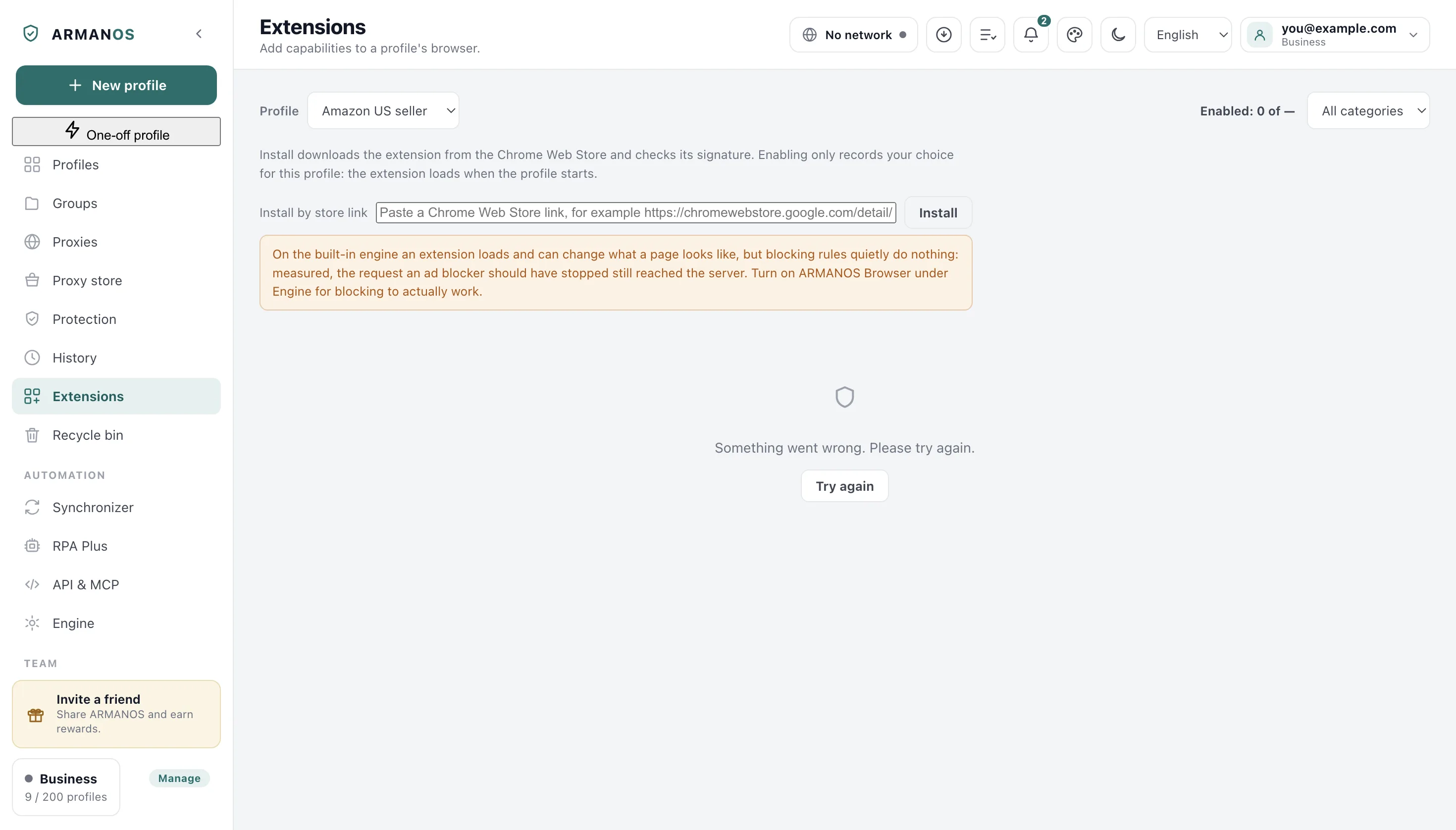
Open the extensions folder with the button on the extensions screen, find the folder named in the notice and open its manifest.json. The standard number is in the first lines.
Write through Help → Write to support and name the extension from the notice: the report that travels with the message carries the app's recent notifications.
What this article does not cover
- Installing an extension from the catalogue. There is an article about placing an extension where it belongs.
- The built-in engine, where an extension loads but has no button or window of its own. The extensions page says so.
- Extensions from other stores. The program reads only folders inside its own extensions folder.
Where this is decided
Each claim above is one place in the code and one stand.
- An old standard and a broken description file give two different refusals
- apps/desktop/src/main/main.js
- An extension path does not leave the extensions folder
- apps/desktop/test/extension-paths.js
- An extension from the catalogue installs and passes the check
- apps/desktop/test/catalog-installable.js
- The built-in engine honestly names what an extension cannot do on it
- apps/desktop/test/extension-limits-honest.js
Questions
- Can an old-standard extension be switched on?
- No. The engine does not run it, and there is no switch for that. A third-standard version is needed.
- Will it load after the fix?
- Yes, on the next launch of the profile. Restarting the program is not needed.
- Why was the refusal not shown at install time?
- Catalogue cards are checked by downloading and unpacking them, and there is no old standard among them. A refusal at launch usually means a folder placed or changed by hand.