本頁面暫無您所用語言的版本,您正在閱讀英文原文。
Knowledge base
None of the profiles could be deleted
Deletion is a move to the bin
Bulk deletion erases nothing. The profile window is closed first, the record gets a dated mark and moves to the bin, and the data on disk stays where it was.
The failure line arrives when not one of the selected records received that mark.
Only the bin erases for good
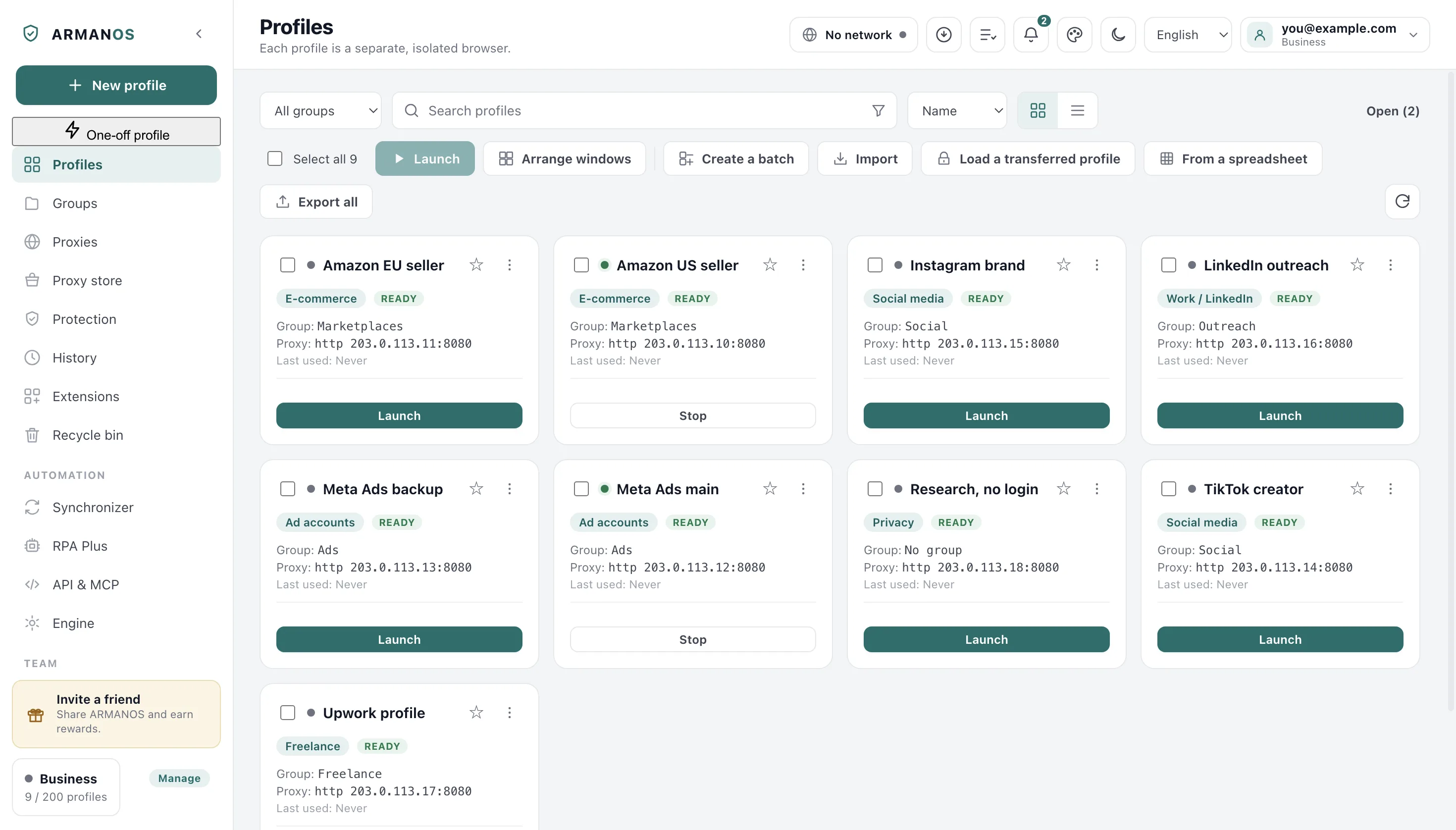
The list fell behind the disk
A record that already sits in the bin does not move there a second time. That happens when the profiles were deleted from another computer or from the dashboard while your list still shows them.
Refresh the list and look in the bin: most often the profiles are already there.
The profile file did not save
The move mark is written to the profile file on this computer. If the file could not be written, the mark is removed and the profile stays in the list, so you do not lose it between two states.
Check free space and the permissions on the program's data folder.
The account link is no obstacle
When you are signed in, the deletion is reported to the server. A refusal from the server or no connection does not stop the move: the record goes to the local bin.
A partial result names a number
If some of the profiles moved, the line is different: how many out of how many, and the cause for the ones that stayed. A cancelled run says how far it got and names the failed ones separately.
How to collect evidence
Refresh the list and repeat the deletion on a single profile: a single deletion names the cause for that record. Look in the bin and note the time.
Write through Help → Write to support: the report that travels with the message carries the version, the system and the app's recent notifications.
What this article does not cover
- Erasing from the bin with Delete permanently. There is a separate article about deleting a profile.
- Profiles deleted from another computer. There the program itself says what happened to the data.
- Profiles a colleague shared with you. You do not delete those; they are closed to you.
Where this is decided
Each claim above is one place in the code and one stand.
- Moving to the bin sets a mark and erases nothing
- apps/desktop/src/lib/profiles.js
- Delete permanently leaves neither the record nor the directory
- apps/desktop/test/delete-leaves-nothing.js
- The bin decision is made in one place, not two
- apps/desktop/test/разбор-программы-05-09.js
- Deletion on another computer does not erase data here without confirmation
- apps/desktop/test/sync-remote-delete.js
Questions
- Is the data erased?
- No. List deletion only moves the records to the bin, and cookies and logins stay on disk until Delete permanently or Empty the recycle bin is pressed in the bin.
- Why is the window closed first?
- A running browser keeps its files open. A record sent to the bin under an open window would leave the browser with no owner.
- Can a profile be brought back?
- Yes, from the bin, until you press Delete permanently or Empty the recycle bin. It comes back with the same data.