Diese Seite gibt es noch nicht in Ihrer Sprache. Sie lesen den englischen Text.
Knowledge base
Leave through your own server
What the browser actually sees
The browser knows nothing about SSH and does not need to. A tunnel is raised next to it and opens a real SOCKS5 on loopback, and the profile goes through that.
For the engine it is an ordinary local address, so no launch path changes and nothing is downgraded behind your back.
Add an SSH entry
The entry lives in the same library as every other address, and it is typed and stored the same way.
- 1
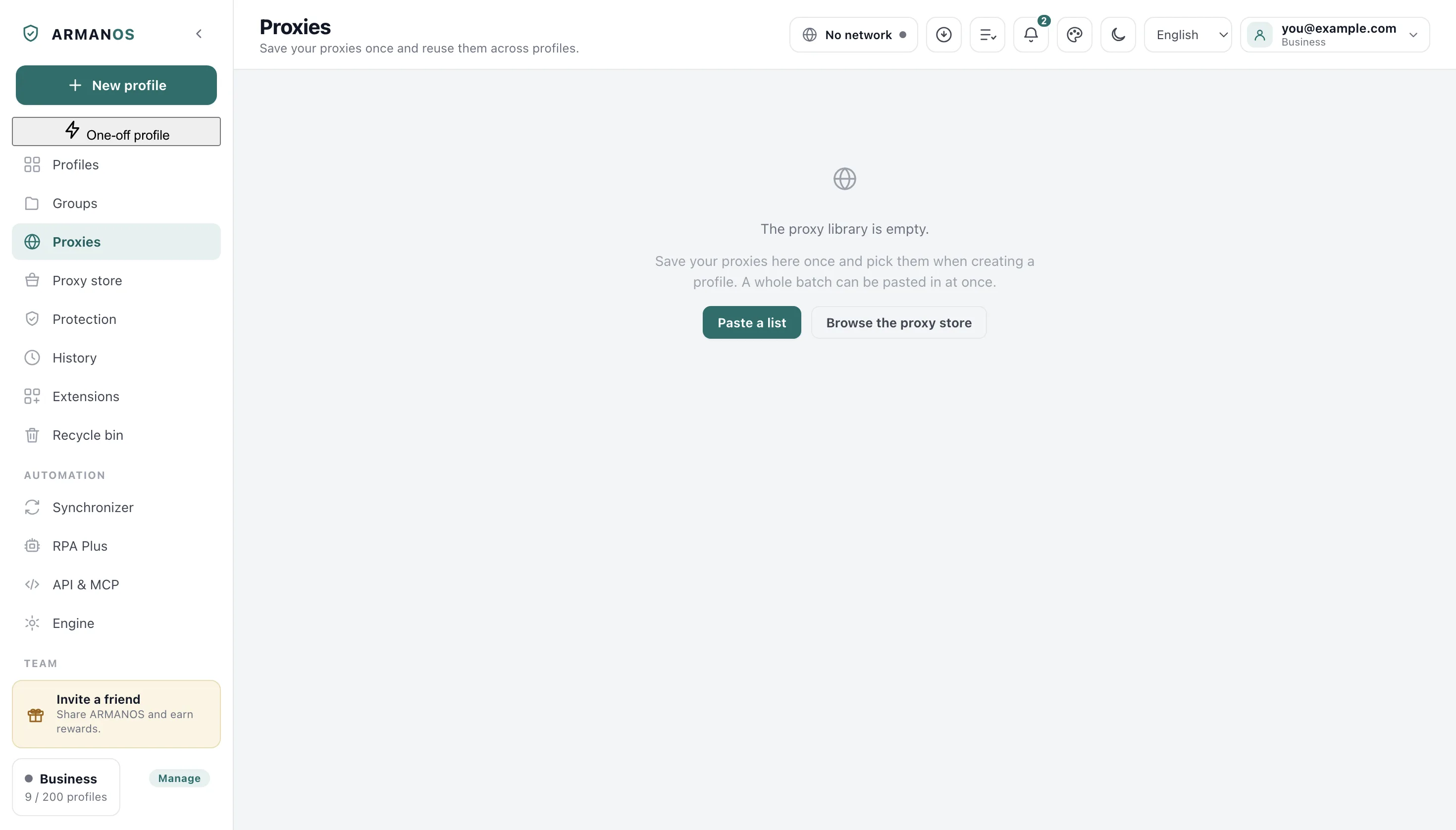
Open the proxy library
The Proxies tab in the left column.
- 2
Press Add proxy
The button above the list on that tab.
- 3
Choose SSH as the type
The type picker at the top of the Add proxy window.
- 4
Fill the server and the login
The host, port and user fields in the same window.
- 5
Point at your key file
The field named Key file, under the login.
Where the password goes
Never into the command line, which every process on the machine can read. The tunnel asks for the password its own way and reads it from a nameless channel that lives in an owner only folder and is wiped at once.
On Windows there is no safe way to hand a password over, so an entry there needs a key file instead, and the program tells you so rather than refusing without a reason.
Your own SSH settings are left alone
When the key changes
A changed server key stops the launch and says so. That happens after a reinstall, and a substitution looks exactly the same from here.
You can agree to forget the old key from the same message, and only then is the connection tried again.
When the tunnel breaks
A broken tunnel is noticed rather than left looking alive, and it is raised again up to three times on the same port.
If it still does not come up, pages stop loading and the profile does not go out directly. That is deliberate: a silent fallback would put your own address on the site.
Checking an SSH entry
The Test button raises a real tunnel first and only then measures, because a check on a different road would tell you about that road.
The tunnel of a check is taken down as soon as the answer arrives, so pressing Test leaves no open connection to your server.
What this does not do
- It does not give you a server. This uses a machine you already have access to.
- It does not carry your key to another computer. The path is read on this machine, so on a second one you point at the key again.
- It does not accept a password on Windows. A key file is the way there, and the message says it plainly.
Where this is decided
Each claim above is one place in the code and one stand.
- The tunnel runs against a real server and the password never enters the command line
- apps/desktop/test/выход-по-ssh.js
- The answering helper and the channel are written owner only, through the one helper that may write secrets
- apps/desktop/test/secrets-on-disk.js
- A check of an SSH entry raises the tunnel first, as a launch would
- apps/desktop/test/proxy-check-uses-bridge.js
- The arguments handed to the tunnel are assembled in one readable place
- apps/desktop/src/lib/sshTunnel.js
Questions
- Does my personal known hosts file get written to?
- No. The tunnel keeps its own file inside the program data, because the file you sign in to work with is not ours to edit.
- The server refused the connection.
- The address or the port is wrong, and the profile was not launched. A refusal on the way out is never turned into a direct connection.
- Can a SOCKS5 proxy with a login do the same job?
- On the built in engine it cannot: that engine can only connect to SOCKS5 without a password. Switch to the ARMANOS Browser engine, or use an HTTP proxy.
- Does the key file travel to my account?
- No. Only a path would travel, and a path from this machine means nothing on another one, where it may even point at somebody else's key.
Try it on one profile
The free plan gives two profiles, with no time limit and no card.