Diese Seite gibt es noch nicht in Ihrer Sprache. Sie lesen den englischen Text.
Automation builder
No-code automation
- 19
- Step kinds
- 4 levels
- Nesting depth
- up to 8 per run
- Profiles at once
- 100 per profile per run
- Screenshots
What a flow holds
A flow has a name, an ordered list of steps, its own variables and the profiles it targets. All of that belongs to the flow itself, and the selection survives a restart.
Flows live on your computer, in the app data folder, and on macOS and Linux they are readable by your account and nobody else. Steps often carry a login or a form value.
Nineteen kinds of step exist today: thirteen everyday ones and six for the harder work. The six are branching, list iteration, tabs, cookies, your own JavaScript and network waits.
| Step | What it does |
|---|---|
| Go to URL | Loads an address in the current tab |
| Wait | Pauses for a set time or until an element appears |
| Click | Scrolls the element into view and presses its centre |
| Input text | Focuses a field, clears it and types the value |
| Type like a person | Types the value letter by letter with real key presses and pauses between them, and, if you ask, with typos it erases at once |
| Scroll | Scrolls by a number of pixels or down to an element |
| Extract text | Reads an element's text into a variable |
| Take screenshot | Saves a PNG of the page |
| Press key | Sends one key press to the page |
| Random delay | Waits a random time between two bounds |
| Repeat | Runs its body a fixed number of passes |
| Profile: note, tags, status | Adds to or replaces the note, adds or removes tags, sets the status of the profile the pass runs on |
| Save to file | Writes a line of the run into a TXT, CSV, XLSX or JSON file in the flow's data folder |
| If / else | Tests the page or a variable and runs one of two branches |
| For each element | Runs its body once per matched element |
| Tab control | Opens, switches or closes a tab of the same profile |
| Cookies | Reads, writes and deletes cookies in this session, clears those of the current address |
| Run JavaScript | Runs your code in the page and stores the result |
| Wait for request | Waits until the page asks for an address you name |
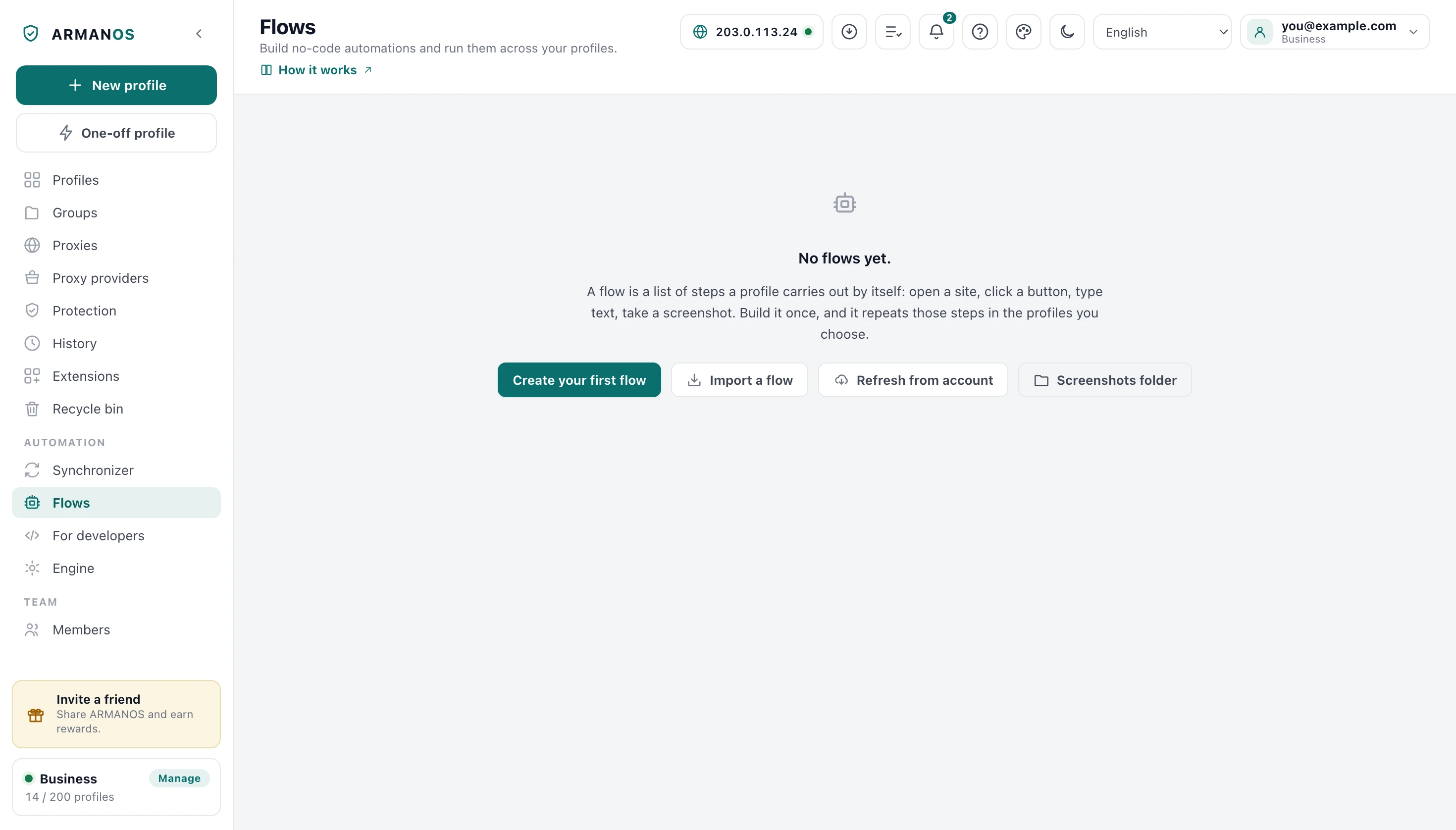
You add the steps by hand
There is no recorder. You add each step from a form: choose the kind, fill the fields it needs, save.
While you edit, the Flows screen looks for the silent breakages that otherwise show up mid run on a live account. A click with no target, a wait with neither a time nor an element, an extract with nowhere to put the result.
Every remark names the step number, and you can tell an error from a warning at a glance. You can still save, because an unfinished flow is a normal working state.
How a flow leaves this computer
Variables per profile
Any text field of a step can carry {{name}}. At run time each profile puts its own value there, and an unknown name comes out as an empty string rather than an error.
Every profile takes its values from three layers: the flow's default values, the built-in profile fields, then the per-profile values you typed under the target chips. That is how one flow signs into twenty accounts without twenty copies of itself.
You can write a variable name in any script, in all 22 languages the app ships in. Text read off a page fills a variable too, up to 4000 characters, and in the step log the input step shows dots in place of a value that came from one.
profile.name
The profile's name, as it appears in your list.
profile.id
The profile's ID, the same one the local API names.
profile.group
The group the profile belongs to.
profile.totp
A one-time code from the profile's own secret, computed at the moment of substitution rather than when the run starts.
now
The date and time with the time zone of this computer, taken at the moment of substitution.
Loops and branches
Repeat runs its body from 1 to 1000 passes. What counts towards progress is the steps themselves rather than the wrapper around them, so the bar shows real work.
A branch tests the page or a variable and only the winning side runs. Nobody can know in advance which side wins, so the progress bar counts those steps in as it goes and lands on the end instead of stalling short.
For each takes a selector and a cap, ten by default, and re-queries the list on every pass. Outside a loop the current-element reference deliberately matches nothing, because quietly falling back to the whole page would click something you never chose.
Many profiles one queue
Concurrency is 1, 2, 3, 5 or 8. You never get more profiles open at once than the Browsers at once setting on the Engine screen allows: that number is read off this machine's memory, and you can set your own.
A profile that meets the limit waits for a free slot instead of going down as failed. It waits up to thirty minutes, trying every five seconds, and only then do you see a failure.
You can walk away to another flow: the run keeps going and a banner with Stop follows you. Press it in the middle of a loop and the current step finishes before everything stops, rather than being killed mid action.
- Concurrency choices
- 1, 2, 3, 5, 8
- Profiles open at once
- never more than Browsers at once
- Browsers at once
- (RAM minus 3 GB) per gigabyte, floor 4, ceiling 32
- Waiting for a slot
- polled every 5 s, up to 30 min
- Step log
- 600 lines kept, last 400 sent to the window, last 120 shown
These numbers are read off the working app, which works Browsers at once out from your machine's memory.
When a step fails
You see a failed step in the log with its error, and the profile's failure count goes up. What the profile does next is the flow's rule, and a line just above Run flow names it for the open flow: a new flow stops that profile at the failed step while the other profiles go on. A flow made in an earlier version of ARMANOS keeps working as it did, and the profile takes the next step.
Done means the written steps ran. If any step of a profile failed, that profile is marked failed and says how many, and the run itself is failed rather than green.
A long run does not blur that count: the log keeps only its last lines, and failures are counted apart from it. Familiar errors reach you in your own language, and anything else is shown exactly as it came back.
Debug, undo and redo
Debug from here on a step runs the flow on one profile from that step, with Pause, One step and Continue. A failed step stops a debug run; fix it and Continue from here goes on in the same open page with the same variables.
Undo and Redo above the steps take back any change to the flow, up to 100 steps, with Cmd or Ctrl+Z as usual. The choice of profiles is not undone.
How a flow drives the browser
ARMANOS Browser is a separate Chromium process, so a flow drives it over the debugging channel on loopback. A flow drives the built-in engine through its own window instead, but you write a step once: which engine is underneath does not change it.
The domain a page can read stays off
Of that protocol ARMANOS does not switch on Runtime.enable, a domain whose hooks page code can observe. A flow has no use for it: it asks whether the page is ready rather than subscribing to events.
- Engine in this table
- ARMANOS Browser 153.0.7978.0
- Runtime.enable
- never called
- Page.enable
- while a flow runs, on the tabs it uses, so it can answer a page's alert or confirm; and on the tabs of a profile whose location is set near the proxy or to its own coordinates, while the engine has no location provider of its own
- Network.enable
- from the first wait-for-request step, on the profile tabs
- Origin header on the debugging socket
- not sent
The hooks of Runtime.enable are what the known console and stack-timing probes look for. ARMANOS leaves the Origin header off because sending one would demand an extra flag on the command line, which every program on the machine can read.
What this does not buy you
Running on a schedule
A schedule belongs to a flow and names the profiles, the time and how many run at once, up to five. Daily at a time, weekly on chosen days, or every N hours.
Times are local, so after a clock change nine in the morning is still nine in the morning. You see how many runs were missed, and none of them are replayed in a burst.
A schedule fires only while ARMANOS is open, and the window says so plainly. A profile you have open right now is left alone.
Setting up a schedule
- 1
Pick the flow
Open the clock button on its row in the flow list.
- 2
Pick when
Daily, weekly on chosen days, or every N hours, in your local time.
- 3
Pick who
Tick the profiles, then choose how many run at once.
- 4
Read the outcome
The row shows the last run, its result, and how many runs were missed.
What this does not do
- There is no recorder. Nothing watches your clicks and turns them into steps, and you add every step by hand from a form.
- A flow is a script, not a person. It repeats what you wrote, at the pauses you set, and a site that changes its layout breaks a selector.
- No captcha solving, no image recognition, no machine learning step. If a site asks a human question, the flow stops at it.
- The scheduler runs only while the app is open. There is no background service, a closed laptop misses its runs, and missed runs are never replayed in a batch.
- Keeping the detectable debugging domains off removes one signal. It is not a claim about detection in general, and nothing here promises that a site will treat your run as a person.
How to check
Each claim, the file that implements it, and the stand that guards it.
- The go to step rejects schemes such as file and javascript, and the address is checked again at run time, after variables expand
- apps/desktop/src/lib/rpa.js · apps/desktop/test/rpa-reach.js
- The Flows screen names what is broken before a run, and never blocks saving
- apps/desktop/src/lib/flowCheck.js · apps/desktop/test/flow-check.js
- Done means the steps ran: a profile whose steps failed is marked failed, counted from a counter and not from the trimmed log
- apps/desktop/src/main/main.js · apps/desktop/test/run-result-honest.js
- A new flow stops a profile at a failed step, a flow from an earlier version takes the next step, and the line above Run flow names the rule
- apps/desktop/src/lib/исполнитель-графа.js · apps/desktop/test/граф-исполнитель.js · apps/desktop/test/сценарий-графом-в-окне.js
- A run that meets the Browsers at once number waits for a slot instead of writing the profile off as failed
- apps/desktop/src/main/main.js · apps/desktop/test/сценарий-ждёт-места.js
- A flow really runs on ARMANOS Browser over the debugging channel, with Runtime.enable never called
- apps/desktop/src/lib/cdp.js · apps/desktop/src/lib/forkPage.js · apps/desktop/test/области-отладки.js
Questions
- Where do the screenshots go?
- Into a folder inside the app data, created so that on macOS and Linux only your account can read it, up to 100 shots per profile per run. A button in the run card header opens that folder, so the files stay reachable after a restart.
- How many flows and steps fit in one file?
- Two hundred flows, five hundred steps per list, and container steps nested at most four levels deep. The ceilings exist so a hand-edited or imported file cannot make the app recurse without end.
- Can my own JavaScript hang a run?
- No. That step carries a limit, sixty seconds by default, so page code that never settles ends as an ordinary step error.
- Does a flow work on a mobile profile?
- Yes. On a mobile profile the click step sends touch events instead of mouse events, which was measured on a live window rather than assumed.
- What happens to a schedule that arrives from my account?
- It lands switched off on this machine, so two open copies of the app cannot run one flow twice. One button in the schedule list turns it on here.
Nearby
Scheduler
Daily, weekly or hourly runs in local time, with missed runs left missed.
Local API
List flows and start a run from your own program on this machine.
Synchronizer
Mirror what you do in one open profile into the others, live, with no script.
Cookie robot
A flow that hands every profile a different browsing order.
Build one flow, run it on ten profiles
The Flows screen, the step log and the schedule are in the app itself. Nothing about a flow leaves your computer unless you export it or sync it to your account.