هذه الصفحة غير متوفرة بلغتك بعد. أنت تقرأ النص الإنجليزي.
Comparisons
ARMANOS, incognito mode and a VPN
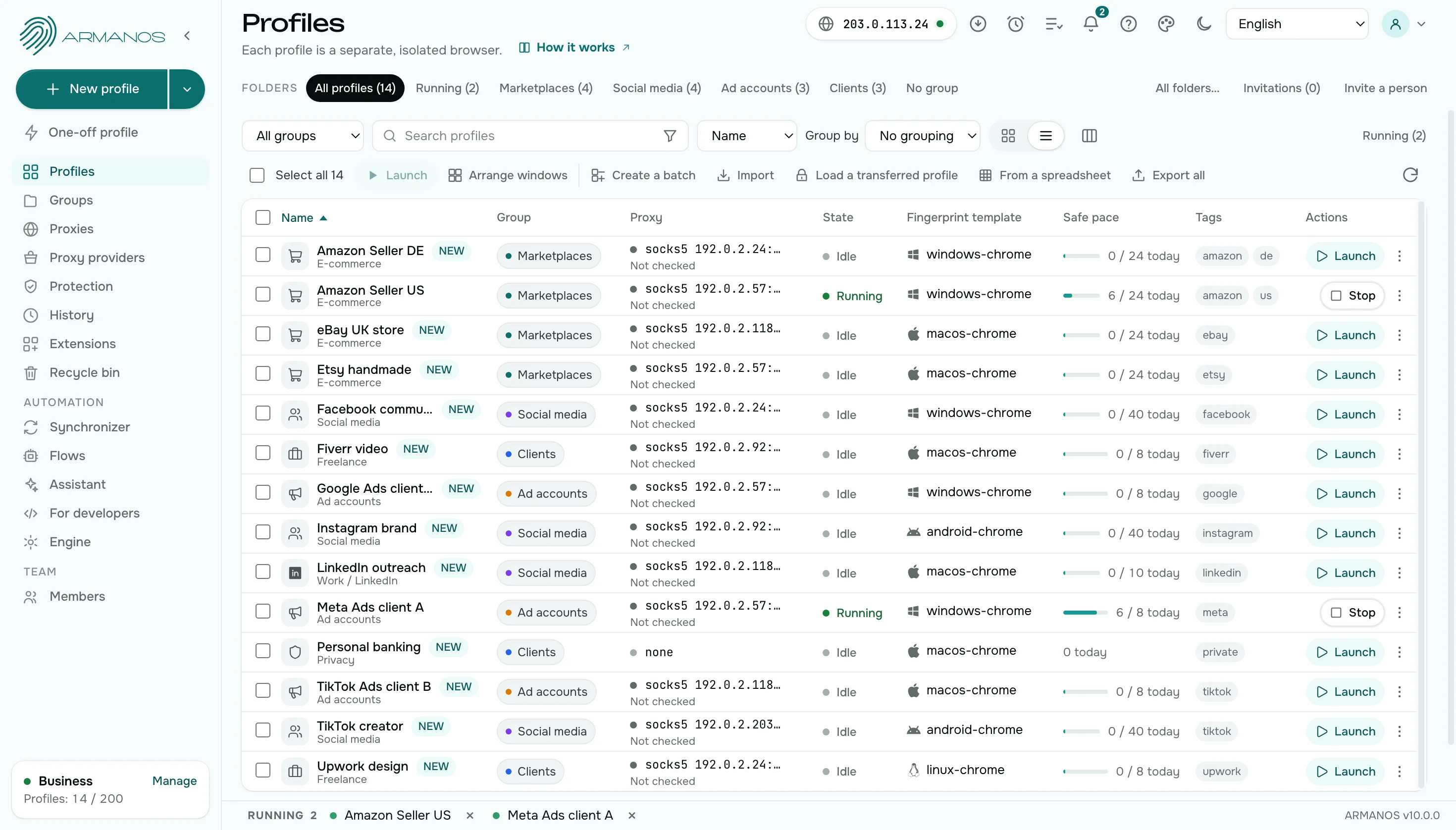
Comparison by point
Eight points: what lives between launches, what changes, what you control, and how a team and a new account fare.
| Incognito mode | VPN | ARMANOS | |
|---|---|---|---|
| Cookies and sign-ins | Live until the window closes | Unchanged | A directory per profile, kept between launches |
| Device | The readings of the machine | The readings of the machine | Its own in every profile |
| Exit address | The machine address | One exit for all windows | A proxy per profile |
| Clock and language | As on the machine | As on the machine | Follow the exit country |
| Signing in tomorrow | Start over | The same cookies as the browser | The profile remembers the session |
| Many accounts side by side | One identity in a new window | One exit for all windows | Dozens of profiles, each with its own session, device and address |
| Team access | Stays on one computer | Stays on one computer | Roles, profile groups and an activity log |
| A new account | Starts empty every time | Leaves your browser history as it is | The Cookie robot builds a history inside the profile |
Device
Incognito and VPN
Both show the site your own machine.
ARMANOS
Each profile has its own device, not the readings of your computer. Open two profiles and a site meets two different devices.
Exit address
Incognito and VPN
Incognito stays on the address of the machine, and a VPN gives one exit for every window.
ARMANOS
Each profile has its own proxy. A site does not see your real address through WebRTC either.
Clock and language
Incognito and VPN
The clock and language stay as on the machine, even after the address changes.
ARMANOS
The time zone and language follow the exit country. The address and the clock agree. Open as many profiles as the computer carries, and the app works out from memory how many windows to keep at once.
Many accounts
Incognito and VPN
Incognito opens one identity in a new window, and a VPN gives one exit to all windows.
ARMANOS
Every profile is a space of its own: many profiles run side by side, each with its own session, device and address.
Team
Incognito and VPN
A private window and a VPN stay on one computer, and handing over a session means handing over a password.
ARMANOS
A colleague opens a profile by their role, and the passwords stay with you. The log shows who did what.
Two free checks
Incognito and VPN
A VPN app shows its own status, not what a site reads.
ARMANOS
The fingerprint check reads the device values in your window, and the leak test shows the address a site sees.
A new account
Incognito and VPN
A private window starts empty every time, and a VPN leaves your browser history as it is.
ARMANOS
The Cookie robot visits ordinary sites inside the profile and leaves a history behind. Pick 3 to 30 sites and 10 to 90 seconds on each. A run can go on up to five profiles at once.
Trackers
Incognito and VPN
A private window and a VPN leave tracking requests as they are.
ARMANOS
Every profile rejects requests to tracking hosts and strips 40 tracking parameters from the addresses you open. The Protection screen counts what was blocked, day by day.
What you get
A session that stays
Cookies and sign-ins sit in the profile directory and live between launches.
An exit per profile
The proxy belongs to the profile, not to the machine. The proxy password stays off the command line.
WebRTC behind the proxy
A profile with a proxy does not show a site your real address through WebRTC.
A check in one click
The free leak test shows which address a site sees.
When to choose ARMANOS
You need the session tomorrow
A profile remembers cookies and sign-ins, and incognito forgets them.
Accounts need different addresses
Every profile has its own proxy, not one exit for all.
You need different devices
Every profile has a device of its own, not the readings of your machine.
Questions and answers
- Can I use ARMANOS together with a VPN?
- Yes. A VPN works at the network level of your computer, and an ARMANOS profile adds its own address, its own device and its own storage.
- How is a profile different from incognito mode?
- Incognito forgets the session when the window closes. A profile keeps the session and decides who may look at it.
- Can I check which address a site sees?
- Yes. The free leak test shows the address a site sees.
- What happens when I close a profile window?
- Cookies and sign-ins stay in the profile folder and wait for the next launch.
- Does a VPN hide my device?
- A VPN changes the address only. The device readings stay those of your computer, while an ARMANOS profile gives every account a device of its own.
- Can I keep my incognito habits?
- Use a one-off profile for a quick look and a saved profile for an account you come back to: the saved one keeps its cookies, sign-ins and storage for the next launch.