Tej strony nie ma jeszcze w Twoim języku. Czytasz tekst angielski.
Knowledge base
Could not open the extensions folder
The folder is created before opening
Before opening, the program creates the folder if it does not exist yet. So the refusal is not about a missing folder but about the system failing to show it.
The answer after the full stop belongs to the system
Where the folder is
On macOS it is the @armanos/desktop/extensions folder inside your user's Application Support, on Windows the same folder inside AppData/Roaming, on Linux inside .config.
If the program was started with the --user-data-dir flag, the extensions folder lies inside the named directory.
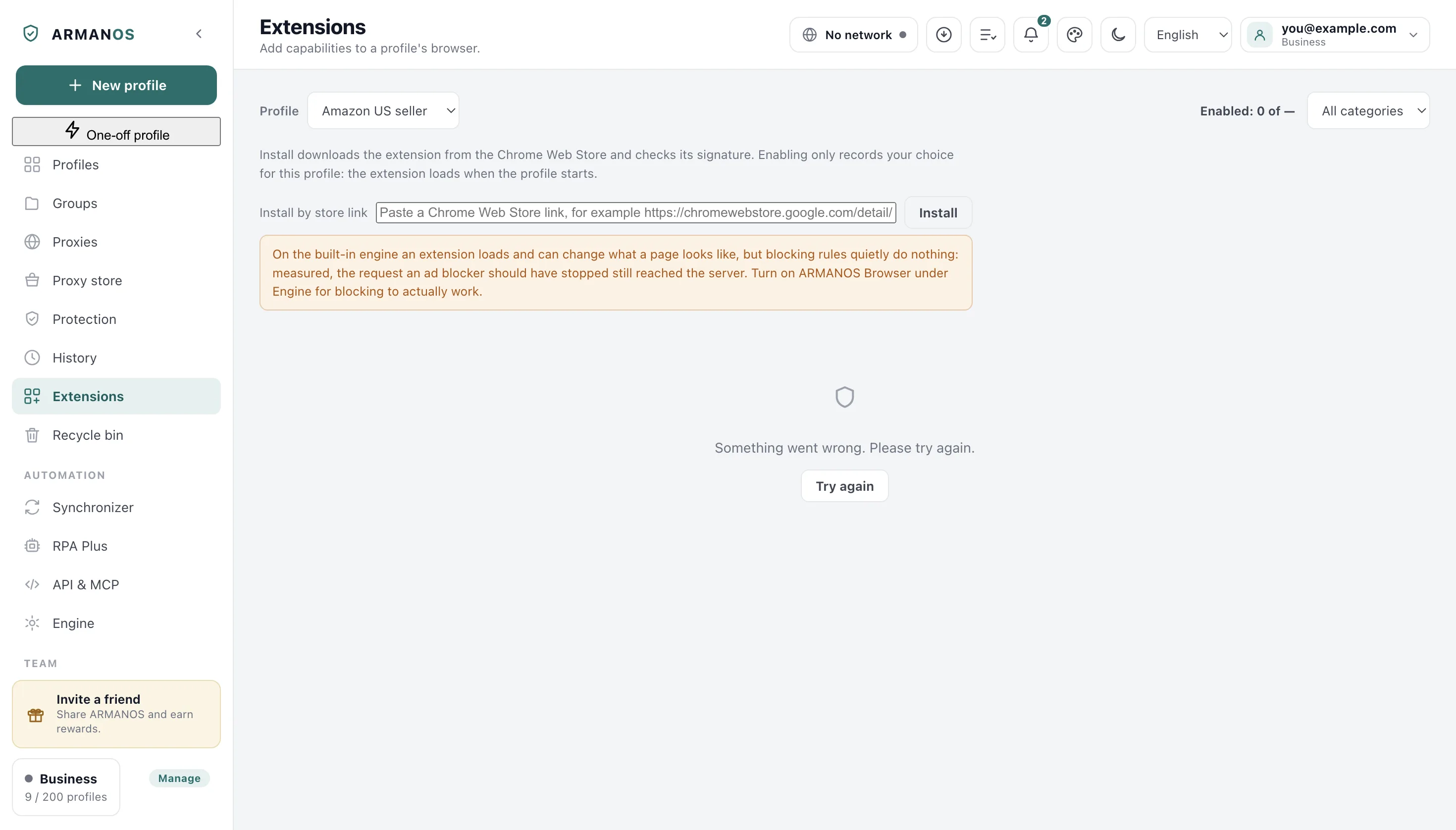
No program to open folders
On Linux the system opens folders through a file manager, and without one the answer comes back empty or with the name of the missing program. Install a file manager or open the path from a terminal.
No permissions on the data folder
A data folder created under another user or moved from another disk may not open. Check the permissions on the whole @armanos/desktop folder.
Extensions still work meanwhile
The refusal concerns only the window with the folder. Profiles read extensions from the same folder directly, and it does not affect launching.
How to collect evidence
Note the text after the full stop and open the folder by the path above by hand. If it still does not open, the cause is in the system, not the program.
Write through Help → Write to support and paste that text and the folder path into the message: the report that travels with it carries the version and the system, not the path to the data folder.
What this article does not cover
- Installing and loading extensions. Two neighbouring articles cover that.
- Building an extension. The program reads ready folders with a description file.
- Disk permissions in general. Only the program's data folder is covered here.
Where this is decided
Each claim above is one place in the code and one stand.
- The extensions folder lies inside the data folder, and a path outside is not accepted
- apps/desktop/test/extension-paths.js
- The folder is created before opening, and the system's answer is handed to the person as is
- apps/desktop/src/main/main.js
- An extension from the catalogue installs into the same folder
- apps/desktop/test/extension-install.js
Questions
- Can another folder be chosen?
- No. The extensions folder lies inside the data folder, and that one is set by the --user-data-dir launch flag.
- Will extensions vanish if the folder is deleted?
- From the folder, yes. The catalogue will install them again with the «Install» button.
- Why did the folder not open while extensions load?
- Opening is done by the system, reading is done by the program. They are two different roads to one folder.