Questa pagina non è ancora nella sua lingua. Sta leggendo il testo in inglese.
Knowledge base
Change the address of a proxy
Save the seller link
The link belongs to the library entry, next to the address itself. Without it the button does not appear, because there would be nothing for it to do.
- 1
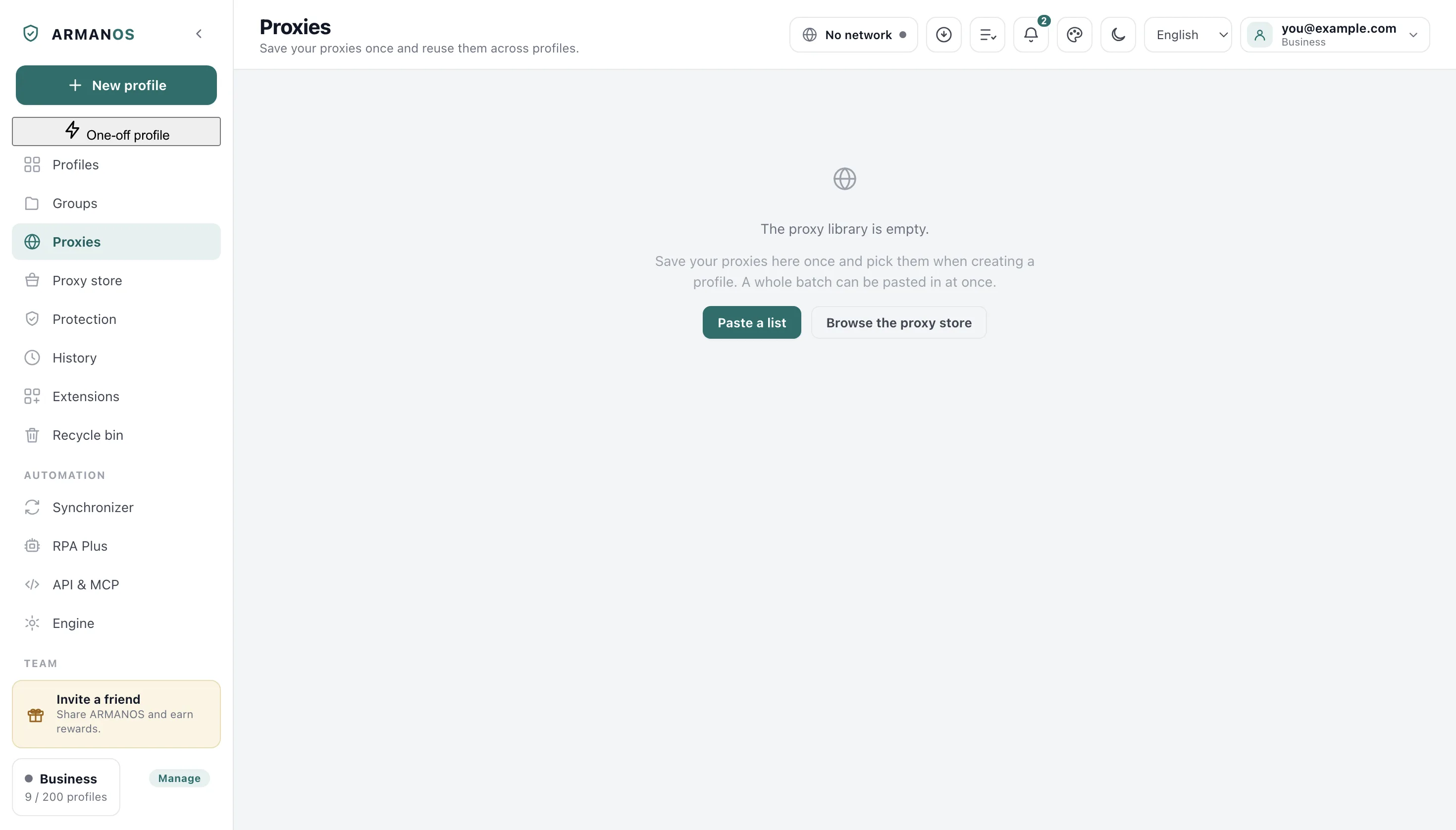
Open the proxy library
The Proxies tab in the left column.
- 2
Press Edit on the row
The button on the right of that row.
- 3
Paste into IP change link
The field of that name in the Edit proxy window.
- 4
Save the entry
The button at the bottom of the same window.
Change it by hand
Change IP appears on rows that carry a link. The program measures the address now, walks the link, waits for the modem and measures again.
What you are told is the truth of those two measurements: changed from one address to another, still the same one, or answered but not yet checkable.
The link is walked directly
Change before each launch
A profile can ask for a fresh address every time it opens, with the switch named Get a fresh IP before each launch in the profile window.
If the fresh address cannot be obtained, the profile is not opened at all and the reason is named. Opening it on the old address would be the quiet wrong answer.
Change on a clock
The profile window also has a list named Change the IP while the profile is open: every ten minutes, every half hour or every hour.
Only open profiles are touched, and the first count runs from the moment the window opened rather than from the moment the program started.
Spread the library around
Select the profiles on the Profiles tab and press Assign proxy in the bar above the list. Tick Spread the library across the selected profiles and each one gets the next entry in turn.
Profiles that are open right now are skipped and counted, and skipping one does not eat its place in the circle.
Where a change can fail
A seller that stays silent for twenty seconds, an answer that is not a success, or a link that tries to redirect somewhere else: all three are reported with the seller's own words.
A redirect off the original host is refused rather than followed, because one header would otherwise send the request anywhere.
What this does not do
- It does not change an address without a seller link. Nothing in the product can order a new address on its own.
- It does not promise that the address will differ. Sellers set their own limit on how often a modem may move, and an unchanged address is reported as unchanged.
- It does not change the address of a closed profile on a clock. A closed window has nothing to protect, and every change costs money at the seller.
Where this is decided
Each claim above is one place in the code and one stand.
- The seller link is walked, the outcome is reported honestly, and a redirect elsewhere is refused
- apps/desktop/test/proxy-rotation.js
- Who is due for a change and who gets which address is decided by arithmetic that runs
- apps/desktop/test/ротация-адреса-исполняется.js
- A skipped profile does not eat its place in the circle
- apps/desktop/test/proxy-round-robin.js
- A link that would reach into a private network is refused when it came from outside
- packages/shared/src/proxy-line.js
Questions
- The seller answered but the address stayed the same.
- That is said plainly rather than dressed up as success. It usually means the seller's own rate limit has not let the modem move yet.
- Why was the new address not checked?
- A modem needs a moment to come back up. When the check right after the change does not land, the known address is kept instead of being wiped.
- How fast can the clock be set?
- Ten minutes is the shortest period offered in the profile window, and a period written shorter than five minutes is raised to five before it is saved.
- Does a change touch the profiles using that entry?
- The address of the entry does not change, only the exit behind it. Profiles keep pointing at the same row.
Try it on one mobile proxy
The free plan gives two profiles, with no time limit and no card.