Questa pagina non è ancora nella sua lingua. Sta leggendo il testo in inglese.
Knowledge base
Profiles are kept on this device
The profiles are in place
Nothing is deleted or renamed, and the profile's data lies on this disk. The one difference is that it will not appear on a second machine until it travels to the account.
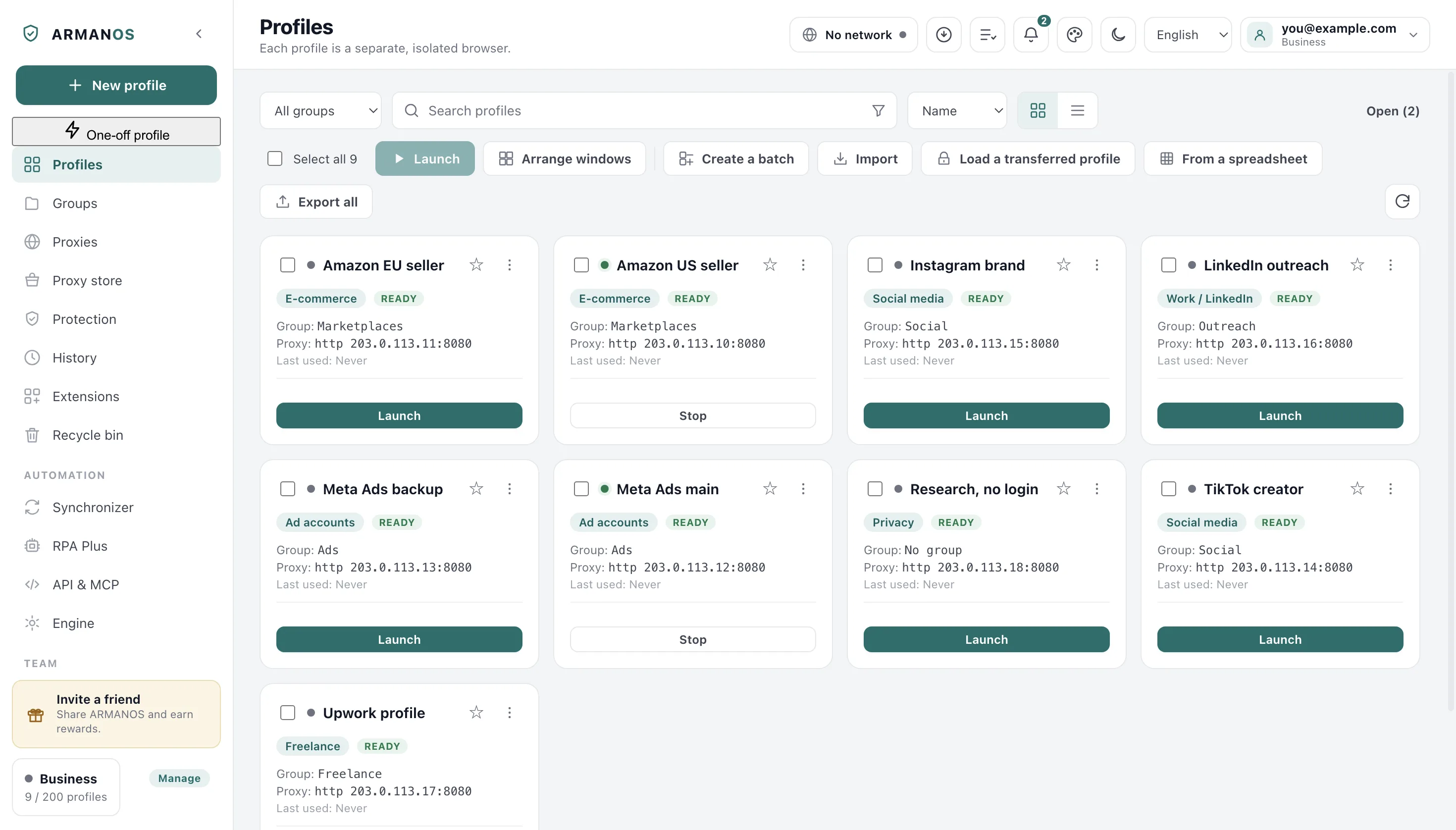
A local profile opens while the plan limit has room left after the account's profiles. Above it, the profile sits in the list marked “Over the limit” and does not open, and its data is kept.
Sending keeps the same number
Sending failed
After signing in, local profiles are sent to the account one by one. Those that could not be sent stay local, and the notice counts them. Most often it is the plan's profile limit or a connection dropped mid-send.
On the next check the sending is repeated by itself: restarting the program triggers it.
This machine was seen under another account
Profiles created before signing in, when another account had already been on this machine, are held. They do not travel to the account you signed in to, so that personal profiles do not end up in an employer's account.
The hold is written into the profile's data and survives a restart. The list does not show it, and the notice counts held profiles together with the unsent ones.
A held profile will not travel by itself
There is no separate «send this profile to the account» action in the window today. A held profile stays local even after you return to the previous account.
The plan limit
A profile above the plan limit is not accepted by the server, and it stays local. In the list it is marked “Over the limit” and does not open while there is no room. Free up a slot or extend the plan, and the next check will send it.
How to collect evidence
Note the number from the notice and compare it with the plan limit in the dashboard.
Write through Help → Write to support and name the profiles that stayed here: the report carries the app's recent notifications and the number of profiles.
What this article does not cover
- Profiles that vanished from the account. They have a notice and an article of their own.
- Moving a profile to another machine by file or shared folder. That is a different road.
- Plan prices and limits. They are on the pricing page.
Where this is decided
Each claim above is one place in the code and one stand.
- The hold rule lives in one place and is executed
- apps/desktop/src/lib/удержание-заливки.js
- The hold survives a program restart
- apps/desktop/test/удержание-переживает-перезапуск.js
- Signing in through the account does not erase what only this machine knows
- apps/desktop/test/sync-preserves-local.js
- Sending local profiles and the notice about the remaining ones
- apps/desktop/src/main/main.js
- A local profile above the limit is marked after signing in and does not open, and a local profile within it opens
- apps/desktop/test/предел-профилей-все-дороги-живьём.js
Questions
- Can a profile be sent by hand?
- Not today. Sending happens only during the check, and a held profile takes no part in it.
- Is data lost when sending?
- No. Settings travel to the account, while cookies and logins stay on this disk.
- Why is the profile held if the account is mine?
- Because before signing in this machine was seen under another account. The rule is the same for everyone and makes no exceptions.