Cette page n’existe pas encore dans votre langue. Vous lisez le texte anglais.
Comparisons
ARMANOS and a virtual machine
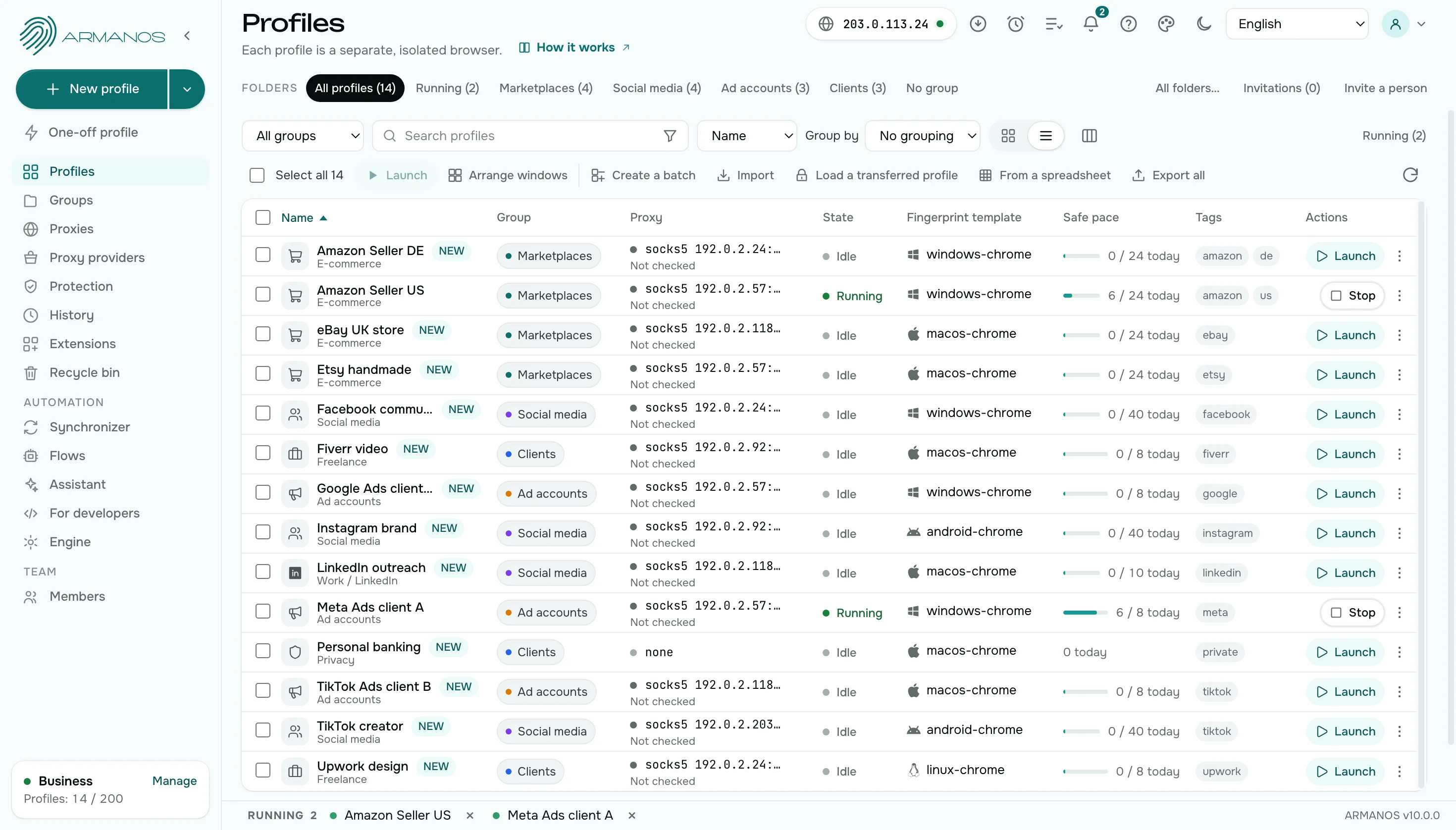
Comparison by point
Ten points: time, resources, device, team, moving a session, bulk work, finding an account and window sync.
| Virtual machine | ARMANOS | |
|---|---|---|
| Start | A system boots before the first click | A profile window opens in about half a second |
| Memory and disk | Gigabytes of memory and tens of gigabytes of disk per machine | A share of your computer memory, and the disk holds a profile folder |
| Device | One for all accounts in the guest | Its own in every profile |
| Updates | The guest system updates on its own | One app instead of a system per account |
| Team and roles | You build access yourself | Roles, groups and a log in the app |
| Moving a session | Move the disk image | An encrypted file or a shared folder |
| Bulk actions | Start each machine by hand | Select profiles and launch them together with a pause between windows |
| A session on another computer | Move the disk image | An encrypted file through your folder, or the whole profile with Transfer with session |
| Finding an account | Name the machines and keep the list yourself | One search line looks in seven places at once |
| Window sync | Repeat every action in each machine | The synchronizer repeats a lead window in the windows you choose |
Start
Virtual machine
The guest system boots before the first click. Every account gets its own boot.
ARMANOS
A profile window opens in about half a second. You are in the right account at once. Open the next profile and the first keeps running.
Memory and disk
Virtual machine
Gigabytes of memory and tens of gigabytes of disk for every machine.
ARMANOS
A profile takes a share of the computer memory, and on disk it is one profile folder. Dozens of accounts run side by side on one computer.
Device
Virtual machine
There is one guest, and one device for all of its accounts.
ARMANOS
Every profile has its own device. Platform, screen, graphics card and language agree with each other. Phone and tablet templates carry real models, touch input and a mobile connection.
Team and moving
Virtual machine
You build access yourself, and a session moves as a disk image.
ARMANOS
Roles, groups and an activity log are already in the app. A profile travels with its session: as an encrypted file or through a shared folder.
Disk
Virtual machine
Every machine keeps its own copy of a system on disk.
ARMANOS
A profile is a folder with cookies, storage and cache, not a copy of a system. Many profiles share one app. A deleted profile can be restored from the bin until you delete it permanently.
Updates
Virtual machine
Every machine needs its own system updates.
ARMANOS
It is one app, and an update reaches every profile at once. There is no system to patch for each account.
Proxy
Virtual machine
A proxy is set up by hand inside every machine.
ARMANOS
A proxy belongs to the profile: pick an entry from the library, press Test proxy and see the exit country and city. Paste fifty lines from a seller and they become fifty entries with a single paste.
Many accounts at once
Virtual machine
Every machine is a window of its own, and each account is driven by hand in its own system.
ARMANOS
Select profiles and launch them together. The windows open one after another with a pause, and the Task centre shows how far the run has got, with a Cancel button.
Windows together
Virtual machine
To repeat an action in ten machines you do it ten times.
ARMANOS
The window synchronizer makes one open profile the lead and repeats what you click, type and scroll in the other selected windows.
What you get
A fast start
The first window is up in half a second, with no system to boot.
Windows to fit your memory
The app works out from memory how many windows to keep open, and you can set your own limit from 4 to 32.
A device of its own per profile
The device is derived from the profile number and stays the same between launches.
A team and a log
Roles, profile groups and an activity log in one app.
When to choose ARMANOS
You run dozens of accounts on one computer
Profiles run side by side, with no second system for each.
You need a quick way into an account
A window opens in seconds, not after a system boot.
A team works with you
Access by roles and groups, with no disk image handed over.
Questions and answers
- How many profiles open at once?
- As many as your computer can carry. Scenarios wait for a free place by memory, and you set your own limit on the Engine screen: 4 to 32.
- How do I move a profile to another computer?
- The Transfer with session item moves a profile to another computer with its sign-ins.
- Do I have to update a system for every account?
- No. It is one app, not a system per account.
- Can I keep several accounts open at once?
- Yes. Profile windows run side by side, and ARMANOS counts how many to keep from the memory of your computer.
- Do I lose isolation without a virtual machine?
- No. Every profile keeps its own folder with cookies, sign-ins, storage and cache, and its own device and address. Two profiles on one computer do not see each other.
- What happens to a session if a machine breaks?
- A profile is a folder on your disk. Switch on Sync sessions and a copy of the session sits as an encrypted file in your folder.