Cette page n’existe pas encore dans votre langue. Vous lisez le texte anglais.
Comparisons
ARMANOS and cloud browser services
Where the window runs
Eight points where a cloud browser service and ARMANOS part ways.
| Cloud browser service | ARMANOS | |
|---|---|---|
| Where the window runs | On a remote server, shown as a picture | On your own computer |
| Cookies and sign-ins | On the provider server | In the profile folder on your disk |
| Delay on every click | The network sits between you and the page | None: the window is local |
| The server is unreachable | Work stops | The app keeps working for a day |
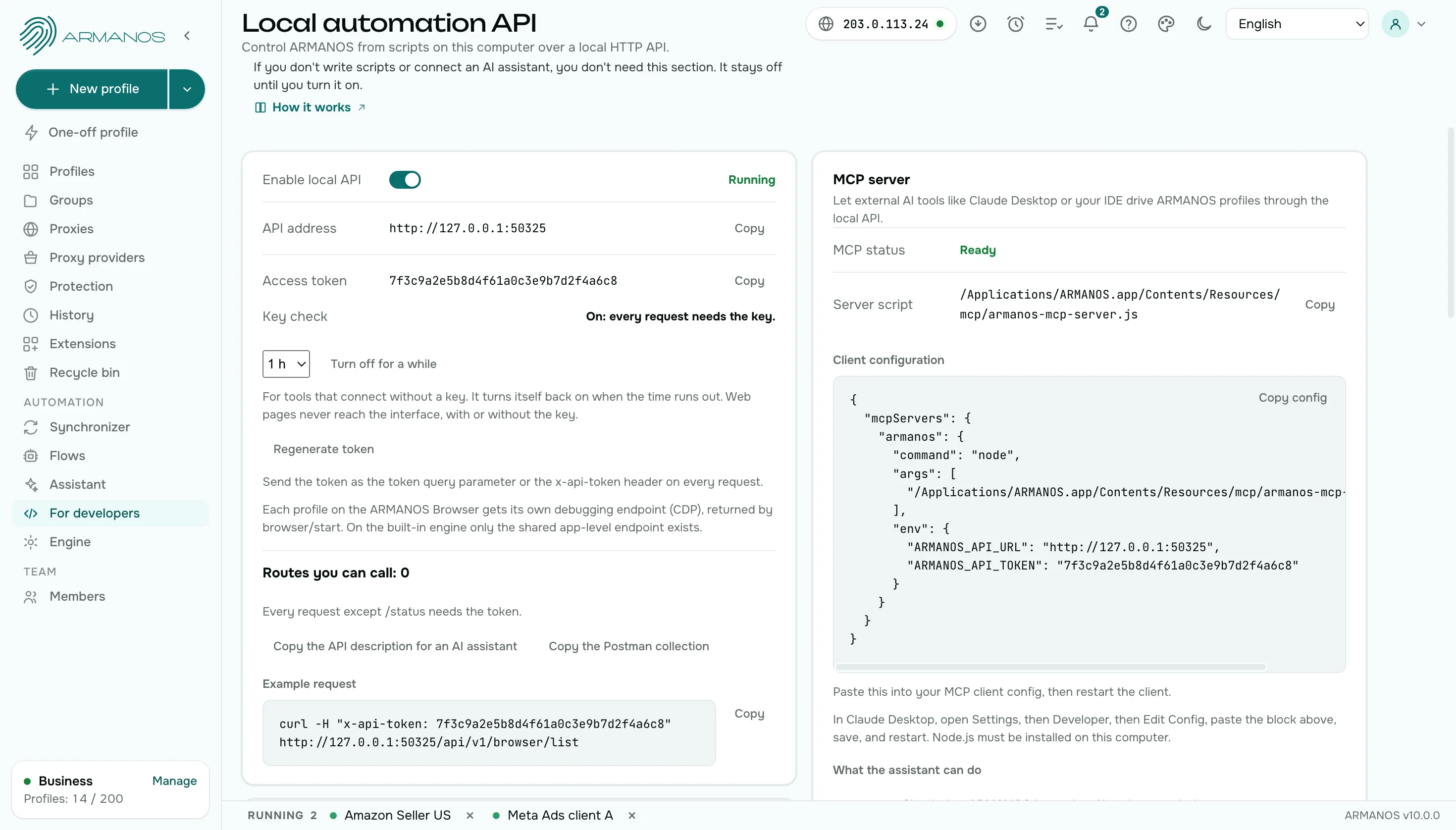
| Your own code | Connects over the internet | Connects through 127.0.0.1 |
| A scenario run | A remote machine runs it | Your computer runs it, on demand or on a schedule |
| Sharing with a colleague | Through the service | By role, one window at a time, with the holder shown |
| Exit address | The path the service offers | A proxy per profile, or your own server over SSH |
Where it runs
Cloud browser service
A remote machine runs the browser, and you see its window in your own.
ARMANOS
A profile opens as a real window on your computer. You click, type and scroll with no remote machine in between. Several windows run side by side on one computer.
Speed
Cloud browser service
Every click travels to the server and back before the page answers.
ARMANOS
A profile window opens in about half a second, and the page answers at the speed of your computer.
Your data
Cloud browser service
Cookies and sign-ins sit with the provider.
ARMANOS
Cookies, sign-ins and the browser folder stay on your disk. Only settings reach the ARMANOS server. Tabs of a profile are saved every half minute, and after a crash ARMANOS offers to bring them back.
Your own code
Cloud browser service
Puppeteer and Playwright connect to a remote address over the internet.
ARMANOS
Puppeteer and Playwright connect to an open profile through a port on 127.0.0.1, on your own computer.
Another computer
Cloud browser service
A session opens from any machine through the service.
ARMANOS
Sync sessions carries a session between your computers as an encrypted file through your own folder, and Transfer with session moves a whole profile.
Exit address
Cloud browser service
The network path is the one the service offers.
ARMANOS
Every profile uses the proxy you choose from your library, or your own server over SSH. HTTP, HTTPS, SOCKS5 and SSH work the same way, and the Test proxy button shows the exit country and city.
What you pay for
Cloud browser service
You rent a remote machine for as long as the window is open.
ARMANOS
You use the computer you already have and pay for the profiles you keep. The free plan has two profiles, no time limit and no card.
Scenarios
Cloud browser service
A scenario runs on the machines of the service, and the log comes back over the network.
ARMANOS
A scenario runs on your computer, on the profiles you pick. The step log shows every step with its status, and the Task centre keeps up to 200 past runs.
Seeing the result
Cloud browser service
You see what the remote window shows you.
ARMANOS
The start page of a profile shows the exit address with country and city, the proxy, the engine with its version and the fingerprint. The free checks open in the same profile.
What you get
Local speed
No remote machine between your hand and the page.
Data on your disk
Cookies and sign-ins stay on the computer unless you send them.
A day without the server
The app keeps working while its server is unreachable.
Code on 127.0.0.1
Your scripts drive an open profile on the same computer.
Your own exit
A proxy from your library or a server you own over SSH.
Sessions on two computers
An encrypted file through your folder, no third party in between.
When to choose ARMANOS
Speed matters
Every action lands at once, with no network between you and the page.
The data must stay with you
The profile folder sits on your disk, not on someone else's server.
You already have a computer
Pay for profiles instead of renting a machine.
Questions and answers
- Does ARMANOS run in the cloud?
- ARMANOS runs on your own computer: profile windows open locally, and every profile folder sits on your disk.
- Do I need a fast connection?
- The window runs on your computer, so a slow connection slows only the pages you open, not the app.
- Where are my cookies?
- In the profile folder on your disk. They leave your computer only when you move a session yourself.
- Can two people work in one profile?
- A profile is open in one window at a time. A second person sees the name of the computer that holds it.
- How do I get a session onto another computer?
- Switch on Sync sessions, or move the profile with Transfer with session.
- Can my scripts drive ARMANOS the way they drive a cloud browser?
- Yes. Puppeteer and Playwright connect to an open profile through a port on 127.0.0.1, with the device, cookies and proxy of that profile.
- Can I work while the connection is down?
- Yes. The app works for 24 hours without an answer from the server, and your changes go out when the connection returns.