Esta página aún no está en su idioma. Está leyendo el texto en inglés.
Knowledge base
The extension could not be put in place
The last step is a move
The extension is unpacked next door first and only then moved into place, so a bad download never touches the copy that already works.
This line means the unpacked folder is fine and the move is what did not go through.
A running profile holds the folder
A browser that has this extension loaded keeps its folder open, and an open folder cannot be renamed on Windows.
Close every profile that uses it and press Install again. This is the most common cause by a wide margin.
No room or no rights
A full disk and a folder the account cannot write to fail at the same step and read the same way in the brackets.
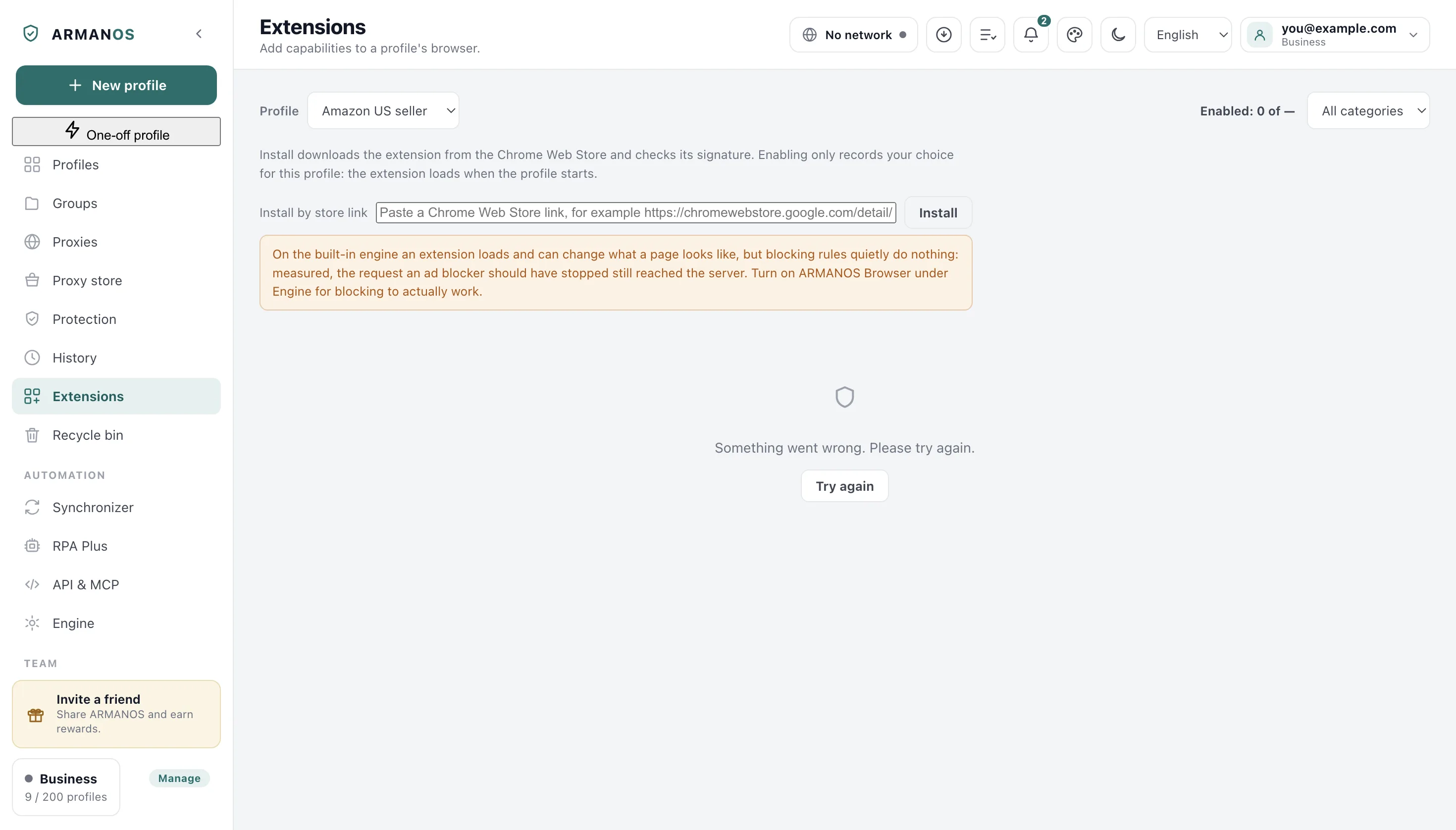
Extensions live in a folder inside the app data on this computer, and the Extensions screen opens it with one button.
Antivirus took the files
Security software that watches new folders can hold or quarantine one in the middle of a move. An extension archive is an ordinary archive and is sometimes treated as suspicious because of where it is being written.
The previous version is kept
A version already installed is set aside before the new one moves in, and it is put back when the move does not finish.
A failed install leaves the working copy alone
Collecting the evidence
Close every profile, press Install once more, and copy the whole line including the words in brackets: those words are the cause.
Write through Help → Write to support and name the extension. The report that travels with the message carries the version and the system, and no cookies or keys.
What this article does not cover
- An archive that would not unpack. That is a different line and it happens one step earlier.
- An old kind of extension. Only the third generation is accepted, and the refusal says so by name.
- An extension that installs and then works only in part. On the built-in engine an extension has no button or window of its own, and a warning on the Extensions screen says so.
Where this is decided
Each claim above is one place in the code and one stand.
- An archive is unpacked with a real archive and cannot write outside its own folder
- apps/desktop/test/extension-install.js
- A folder name from outside is never trusted as a path fragment
- apps/desktop/test/extension-paths.js
- An extension installed from the store keeps its store identifier
- apps/desktop/test/ext-keeps-store-id.js
- An enabled extension never promises more than the engine does
- apps/desktop/test/extension-limits-honest.js
Questions
- Does this mean the file was tampered with?
- No. The signature of a store file and of a .crx file is checked before this step, and a mismatch carries its own line saying nothing was installed.
- Where do extensions live on my computer?
- In a folder inside the app data, one directory per extension. The Extensions screen opens that folder for you.
- Can I put the files there by hand?
- Yes. A folder named exactly as on the card with a manifest inside is loaded when the profile starts.