Вашою мовою цієї сторінки поки немає. Ви читаєте англійський текст.
Knowledge base
Build a flow step by step
Steps are chosen not recorded
There is no recorder that watches your clicks. Each step is picked from a list of kinds and told exactly what it works on, which is also why a flow stays readable a month later.
The order is the order you see, and steps can be moved up and down inside it.
Build the first flow
A flow has a name and a list of steps, and nothing has to be finished before it is saved.
- 1
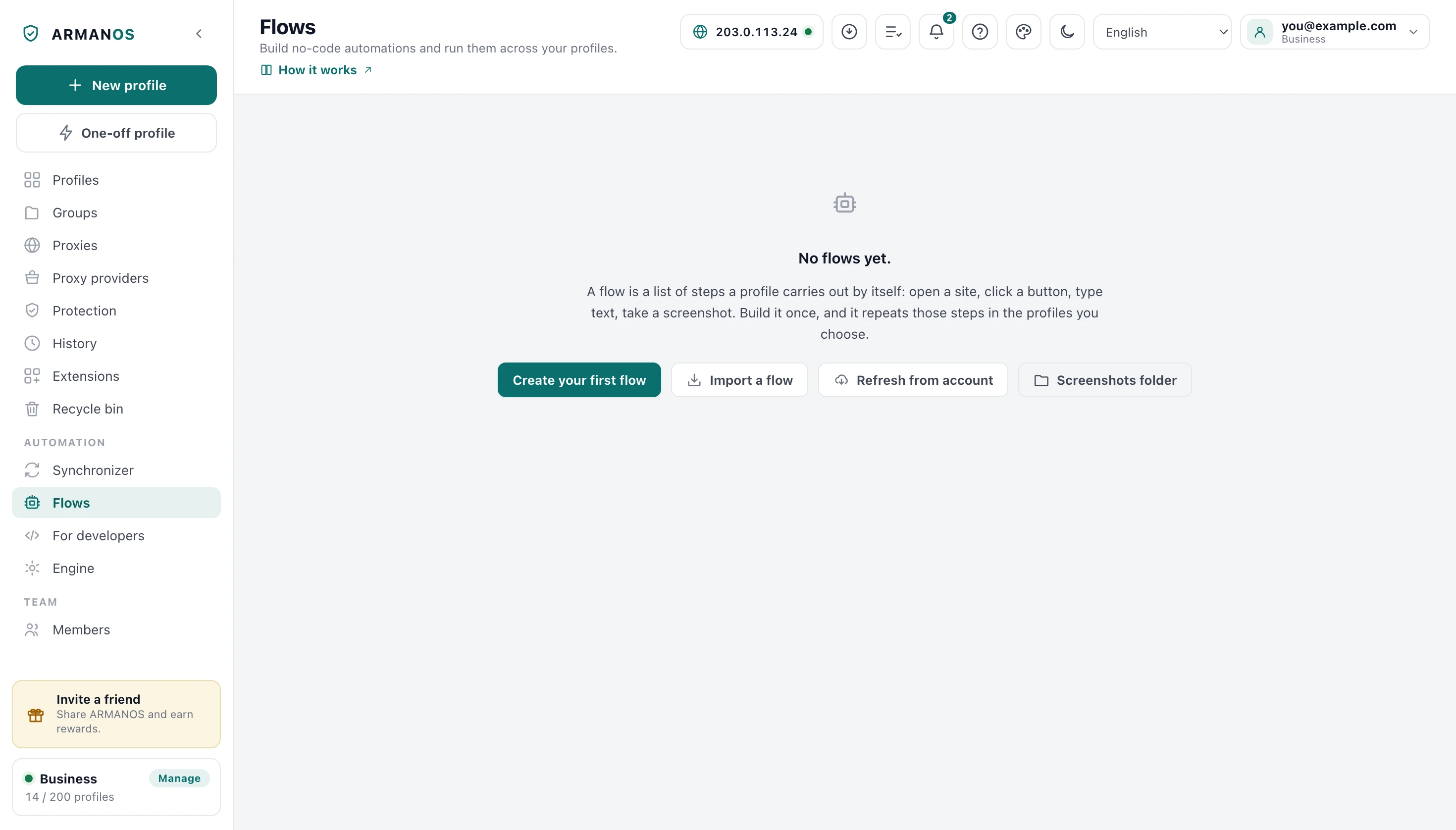
Open the automation screen
The Flows tab in the left column.
- 2
Press New flow
The button above the list of flows.
- 3
Give the flow a name
The Flow name field at the top of the editor.
- 4
Press Add step
The button above the list of steps.
- 5
Choose the step type
The Step type picker in the Add step window.
The kinds of step
The plain ones go to an address, wait, click, type text, type it like a person, scroll, extract text, take a screenshot, press a key and pause for a random while.
The others are heavier: repeat, if and else, for each element, tab control, cookies, running JavaScript and waiting for a request. Two work outside the page: Save to file writes rows into the flow's Data folder, and Profile: note, tags, status edits the profile the run is on.
A teammate on an older app
Values that differ per profile
A step value can hold a variable written in double braces, and the name of the profile and its group are already there to use. One step is then written once for everybody.
Values can also be given per profile, so one flow signs into twenty accounts without twenty copies of itself.
An exported file has no secrets
The check before a run
Before you run it looks for the steps that would do nothing and look like a hang: a click with no target, a wait with no time, an empty loop.
It warns and it does not stop you saving. A half built flow is a normal state of a flow you are still writing.
Undo and redo
Undo and Redo above the steps take back any change to the flow: added, edited, deleted or moved steps, the name and the variables. Cmd or Ctrl+Z undoes, Cmd or Ctrl+Shift+Z and Ctrl+Y redo, up to 100 steps back.
The choice of profiles and the number of windows are not undone: that is a selection, not the flow itself. In a text field the same keys undo your typing, as usual.
Debug from any step
Debug from here on a step runs the flow on one profile from that step on, or on a One-time profile that is deleted after it closes. Pause, One step and Continue work on the run as it goes, and From the start begins again from the top.
The step running now is highlighted in the list, and a failed step stops the run and is marked. Fix it and press Continue from here: the run goes on in the same open page with the same variables.
Inside a repeat or a for each loop the rest of the pass runs once, on the first element.
What a run may not exceed
A hundred screenshots per profile per run, and past that the step says there were too many rather than filling the disk quietly. A step that runs JavaScript is cut off after a minute.
A step that navigates accepts web addresses only, and that is checked again after the variables are filled in.
What this does not do
- It does not record your actions. Steps are chosen from a list and filled in by hand.
- It does not retry a failed step on its own. The profile is marked as failed and the flow's rule decides the rest; debugging stops on the step instead.
- It does not carry variable values into an exported file. Those usually hold logins and passwords.
Where this is decided
Each claim above is one place in the code and one stand.
- A flow really executes on the shipped engine rather than against a stand in
- apps/desktop/test/сценарий-живьём.js
- The check before a run catches the steps that would hang
- apps/desktop/test/flow-check.js
- A flow that came from somewhere else cannot reach into this computer
- apps/desktop/test/rpa-reach.js
- The screenshot ceiling and the cut off of a JavaScript step live in one place
- apps/desktop/src/main/main.js
- Undo and redo go back 100 steps, and in a text field the same keys undo typing
- apps/desktop/test/правки-сценария.js · apps/desktop/test/правки-сценария-окно.js
- Debugging from a step: pause, one step, and continuing on the same page with the same variables
- apps/desktop/test/отладка-пауза.js · apps/desktop/test/отладка-живьём.js
- Save to file writes only into the flow's data folder
- apps/desktop/test/шаг-запись-в-файл.js
- The account refuses an edit of a flow with new steps from an app that does not know them
- apps/server/test/формат-сценария-не-затирается.js · apps/desktop/test/формат-сценария-по-содержимому.js
Questions
- Is there a recorder that captures what I do?
- No. A flow is assembled from steps, and each one names what it works on, so it can be read and fixed later.
- How many screenshots can one run take?
- A hundred per profile per run. Past that the step reports that there were too many, and the number is stated rather than guessed.
- My JavaScript step hangs.
- It is cut off after a minute and fails like any other step. The page itself is not interrupted, so write the step to finish on its own.
- Can a flow open a file on my disk?
- No. A navigating step takes web addresses only, and the rule is applied again after a variable has been filled in.
Try it on one profile
The free plan gives two profiles, with no time limit and no card.