Bu sayfa henüz sizin dilinizde yok. İngilizce metni okuyorsunuz.
Transfer
A profile moves with its session
- scrypt and AES-256-GCM
- Sealed with
- 8 characters or more
- Password
- 400 MB
- Size ceiling
- Both engines, one file
- Sessions inside
What one file holds
A profile is settings plus a session, and only the settings reach your other computers through your account. The session sits in a folder on the machine whose browser wrote it.
The transfer packs both sides into one archive: the profile record, and the session directories of both engines beside it.
| What | Does it travel? |
|---|---|
| Cookies, saved logins, local storage, site databases | Yes. This is the part that keeps the account signed in |
| The profile number, its template and its generation | Yes, so the fingerprint comes out the same on the other side |
| Proxy with its password, exit country, one-time code key, saved sign in | Yes, and only inside the sealed file |
| Which extensions are switched on | The list travels; the extension files themselves do not |
| Caches, worker and file storage, crash dumps, lock files | No. Sites refill them and the file would be unliftable |
| Whatever a link inside the profile folder points at | No. Links are not followed out of the profile |
Closed before it is packed
A browser keeps writing its databases while its window is open, so a profile packed live arrives with half a database inside. The app refuses and asks you to close it first.
You are asked where to save before anything is built. Packing a large session takes tens of seconds, and waiting them out for a file you have not decided on is the wrong order.
- 1
Close the profile
An open one gets a refusal, not a half-written file.
- 2
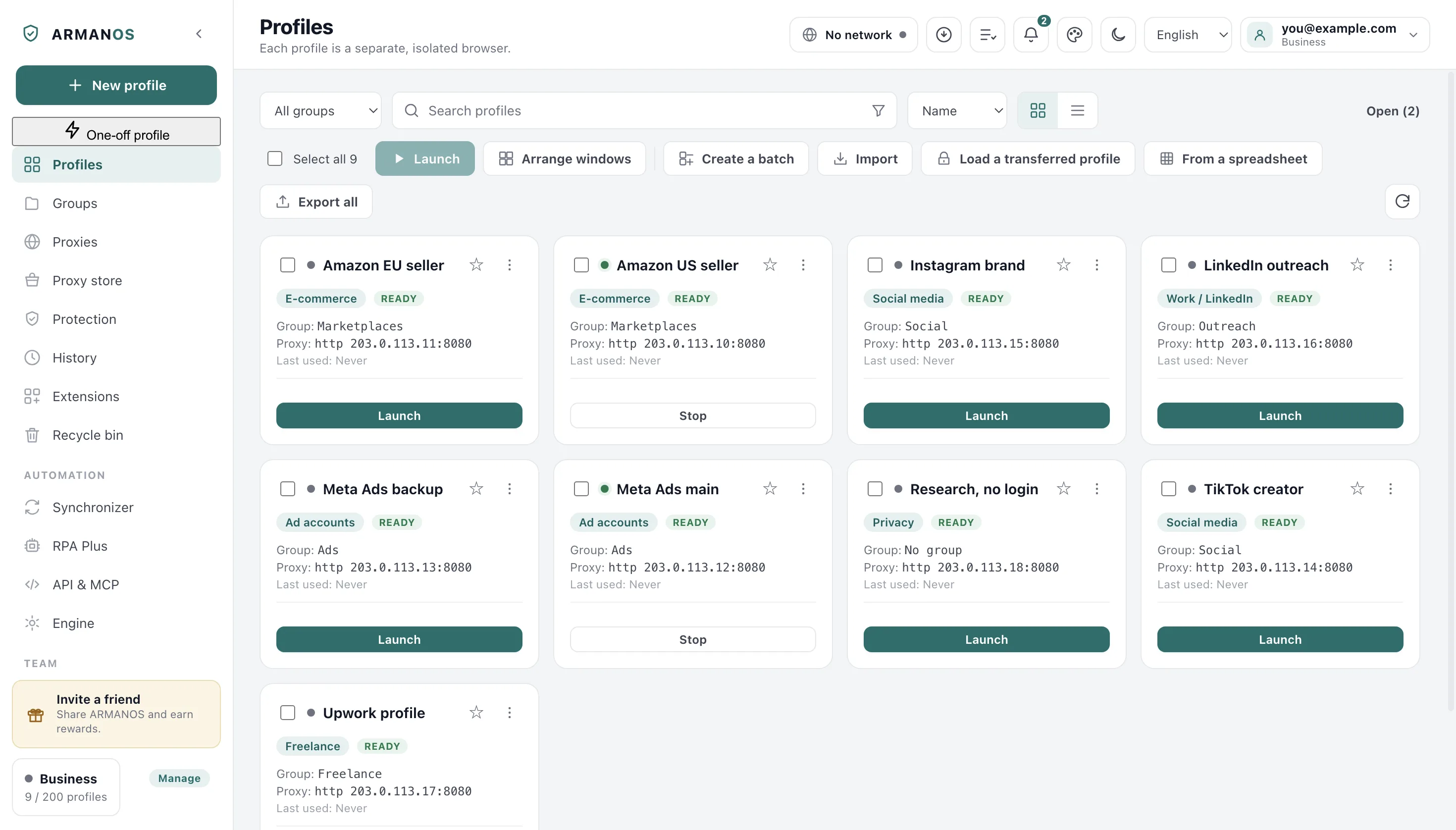
Pick Transfer with session
It lives in the menu on the profile card.
- 3
Set a password
The prompt names the logins, one-time code key and passwords the file will hold before you type it.
- 4
Choose where it goes
An ordinary file, onto a disk, a stick or a folder of yours.
The password is the only key
Live sessions are inside, so whoever opens the file can sign in to those accounts. That is why a file without a password is not offered at all.
The key grows from the password you type, and the app checks the seal when you open the file.
- A password shorter than 8 characters
- refused before anything is packed
- A password that does not fit the file
- named as wrong, and nothing is created
- A file that was never ours
- named as not a transfer file
- A file edited on the way
- refused the same way a wrong password is
A password you type by hand is never stored anywhere, so a file whose password is gone stays closed. Folder sync writes without asking anyone, so its one passphrase is kept on this computer: sealed by Windows itself, by a key inside the program on macOS, plain text on Linux.
Where the fingerprint comes from
A profile builds its fingerprint again at every launch from its own number, so the same number gives the same card and the same screen on any computer. The fields you edited by hand lie in the profile record and travel in the file with it. The font list follows the machine only when the template describes a different kind of system than the one running it.
The number travels with it
That number rides inside the file. Without it the profile would arrive as a brand new machine carrying a familiar session, which is the worse half of both.
When a new number has to be issued
Arriving where the profile exists
On a second computer of the same account the settings have usually arrived. You do not get a second profile: the session goes into the one that is there.
A profile of that number waiting in the recycle bin gets a different answer. The app says it is already on this computer rather than reviving what you deleted.
The session
It goes whole into a fresh folder, so remains of another account cannot mix in.
The fingerprint generation and your manual edits
They come from the file, so an older profile does not return as a newer machine.
Exit country, one-time code key, saved sign in
They arrive from the file: they belong to the account rather than to the computer.
Name, group, template and the proxy entry
Left the way this computer already holds them.
The same file through a folder
Carrying the file yourself is one of two roads, and both write the same format, so a file written one way opens by the other.
Point the app at a folder your own cloud already syncs and the exchange runs by itself: a closed profile sends its session there, and the second computer takes it before that profile opens.
Both roads skip a profile that is open, in either direction, because a copy taken while databases are being written is a session that does not open.
What this does not do
- It does not pack everything in the profile folder. Caches, worker and site file storage, crash dumps and engine components stay behind on purpose.
- It does not bring back a forgotten password: a wrong one is a plain refusal.
- It does not carry the engine or the extension files. Each computer installs its own, and a session from ARMANOS Browser needs that engine on the other side to have anywhere to land.
- It does not keep two computers in step. One file is one moment, and a continuous exchange is what the synced folder is for.
How to check
Each line names the file that decides it and the stand that runs.
- The file is sealed, the cache stays out and the number travels
- apps/desktop/src/lib/bundle.js · apps/desktop/test/profile-bundle.js
- An open profile is refused, and the save question comes first
- apps/desktop/src/main/main.js · apps/desktop/test/profile-bundle.js
- A profile already here receives the session instead of a twin
- apps/desktop/src/main/main.js · apps/desktop/test/profile-bundle.js
- The window says whether the session arrived and the number held
- apps/desktop/src/manager/renderer.js · apps/desktop/test/profile-bundle.js
- The folder route writes the same file, round trip included
- apps/desktop/src/lib/sessionSync.js · apps/desktop/test/session-sync-folder.js
Questions
- How large can one transfer file be?
- A session over 400 MB gets a refusal rather than a half-written file. A profile with more than 65535 files gets one too, with the count.
- What if the number cannot travel?
- Then the fingerprint changes, and the app says so in those words rather than reporting success.
- Can I hand the file to a colleague?
- That is half of why it exists. Whoever knows the password signs in to those accounts, so send the password separately.
- Does the proxy travel with it?
- Yes, with its password, and so do the exit country, the one-time code key and the saved sign in. All sit inside the sealed file.
- Is anything left lying around afterwards?
- The app unpacks the archive beside its own data and sweeps it away after, and again before the next load.
Move one profile and open it on the other side
Close a profile, write the file, load it on the second computer. The app names it and says whether the session came along.