Bu sayfa henüz sizin dilinizde yok. İngilizce metni okuyorsunuz.
Knowledge base
Check a proxy before launch
Check one row
Every entry in the library carries its own button, and the answer lands on that row rather than in a separate window. The list stays a list: you see at a glance which addresses are alive and which are silent.
- 1
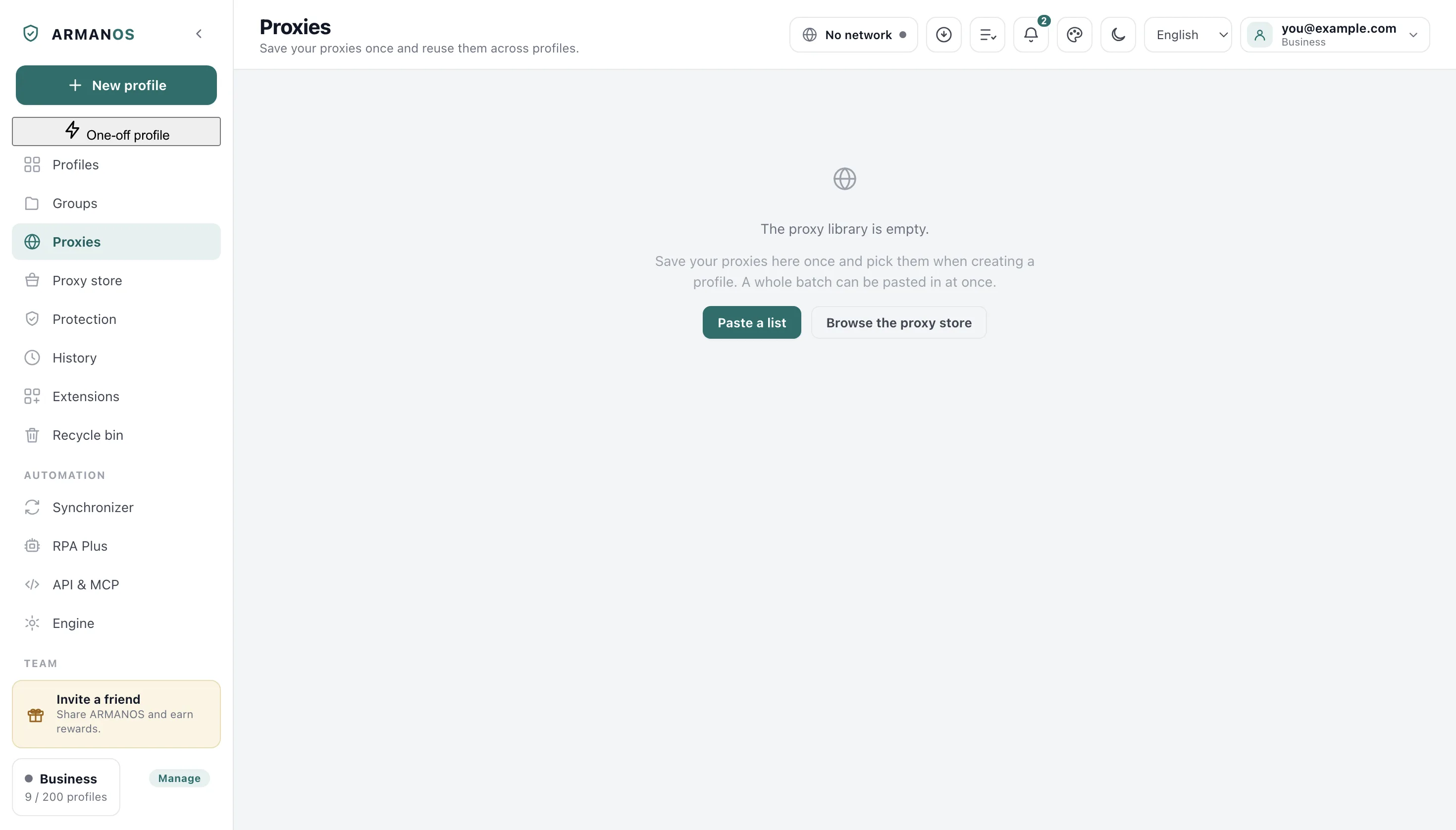
Open the proxy library
The Proxies tab in the left column.
- 2
Find the row you doubt
The list on that same tab, one row per address.
- 3
Press Test
The button on the right of that row.
- 4
Read the line under the address
The same row, where the result replaces the previous one.
What comes back
The exit address, the country it belongs to, and the time to the first response. That is what a site would read, measured through the same connection a profile uses.
A row that did not answer keeps the reason and the time it was last tried, so the list stays readable without testing everything again. The timing itself is shown once, at the press: the row remembers the address, the country and when it was checked, not how fast it answered.
The check takes the launch road
A proxy with a login goes through the same loopback bridge a launch uses, and an SSH entry raises a real tunnel first.
Both are taken down as soon as the answer arrives, so a press of Test leaves nothing listening behind it.
A check that passes means a launch will pass
Check the whole library
Check all walks the list from top to bottom and says how many answered out of how many were tried. The button itself shows which row is being tried right now.
It goes one at a time on purpose. Fifty probes fired at once look like a scan from the seller's side and spoil every timing reading.
What the answer also sets
The exit country is what gives a profile its clock and its language list, so the three agree with each other.
Before every launch the app runs this same check. When the proxy answers but its country cannot be worked out, the profile opens with the country confirmed last time for the same proxy, and you are told so; when there is none, the profile does not open, and the reason says why.
What reaches your account
When you are signed in and the proxy comes from your account's library, a check that passed is written to the account as well: the exit address, the country, the answer time and when it ran. That holds for the check before a launch and for Test on the row.
In the dashboard on the website, on the Proxies tab, such a row reads Checked in the app with the time. Check in the dashboard tests from our server, and after it the row reads Checked.
Checking inside a profile
The profile window has its own Test proxy button in the Proxy (optional) block, for an address you are typing by hand.
A profile with no proxy at all says so instead of pretending the test passed. A port left unfilled is named separately as well: with it the launch will not go.
What this does not do
- It does not keep watching. The result is the state at the moment you pressed the button, not a live monitor.
- It does not repair an address. A dead row stays dead until the seller or you fix it.
- It does not read the whole route. It reads the exit the site would see, and the country that goes with it.
- It does not send a failed check to the account. A refusal can come from one person's network, so it stays on this computer and does not mark the proxy broken for the whole team. The same proxy goes to the account at most once a minute, so a batch of profiles on one address sends it once.
- A server you built yourself before the update does not keep the app's checks: then they stay on this computer only.
Where this is decided
Each claim above is one place in the code and one stand.
- The check uses the launch path, bridge and tunnel included
- apps/desktop/test/proxy-check-uses-bridge.js
- A proxy with a password really carries traffic on the shipped engine
- apps/desktop/test/прокси-с-паролем-живьём.js
- The exit country is resolved and written where the profile clock reads it
- apps/desktop/test/exit-geo.js
- The tunnel of a check is raised and taken down around the probe
- apps/desktop/src/main/main.js · apps/desktop/test/выход-по-ssh.js
- A check that passed reaches the account row marked as the app's, a failed one does not, and a server without the route gets nothing more after its first refusal
- apps/desktop/src/lib/проверка-в-аккаунт.js · apps/desktop/test/итог-проверки-в-аккаунт-живьём.js
- The dashboard row reads Checked in the app for the app's check and Checked for a check from the dashboard
- apps/web/lib/proxy-check.ts · apps/web/test/проверка-прокси-не-затирает-страну.js
Questions
- The test failed but the browser works through this proxy.
- Then the failure is about the tunnel or the bridge rather than the proxy, and the message says which. An SSH entry that cannot connect names the server refusal, not the proxy.
- Why does Check all take so long?
- Rows are tried one after another, not together. That keeps the timing honest and keeps the burst off the seller's side.
- Can I test an address before saving it?
- Yes. Fill the proxy fields in the profile window and press Test proxy there.
- What happens if the proxy dies mid session?
- The window stops loading rather than falling back to your own address. A silent fallback would be the worst of both.
Try it on one profile
The free plan gives two profiles, with no time limit and no card.