Esta página ainda não está no seu idioma. Está a ler o texto em inglês.
Knowledge base
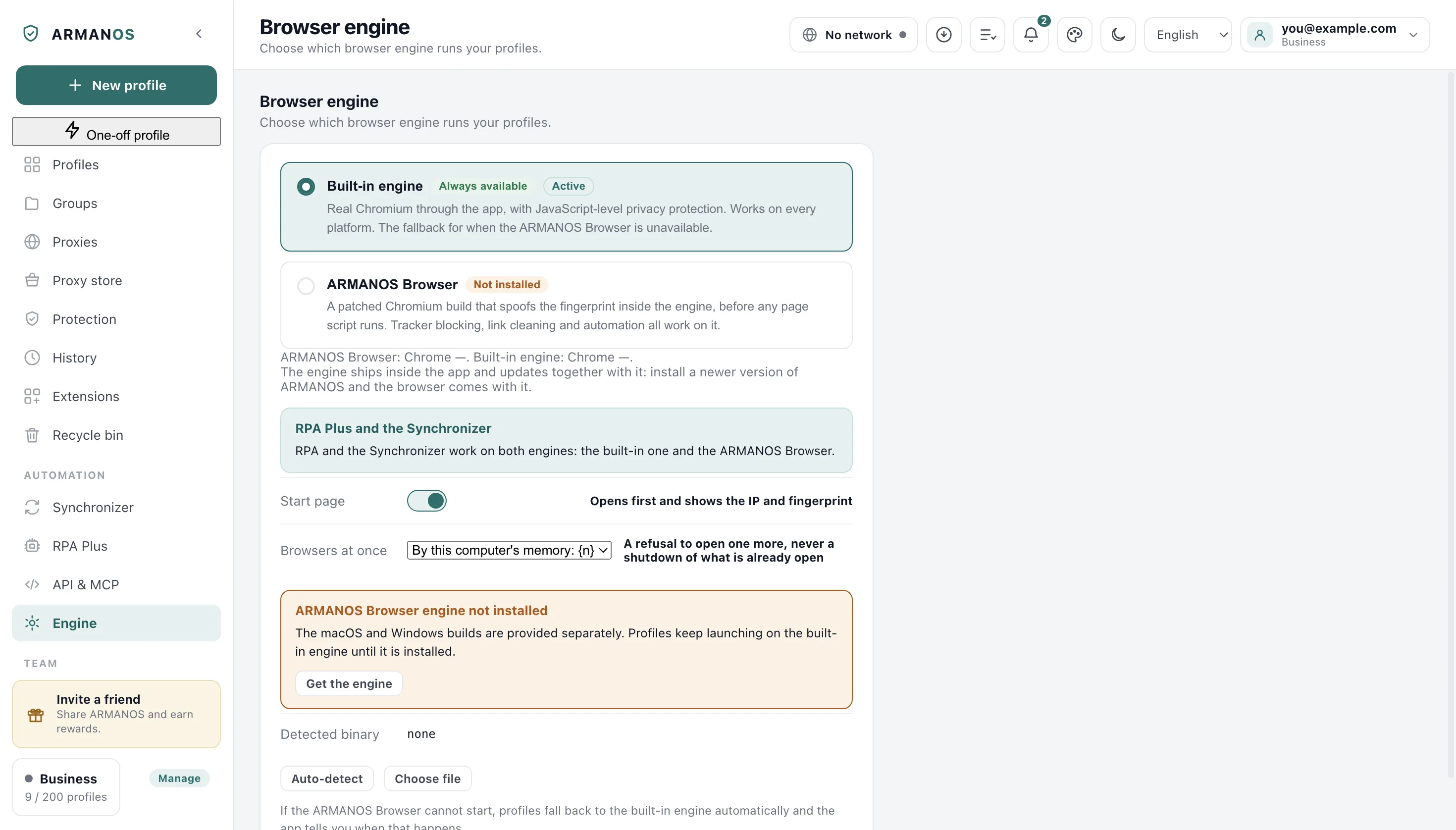
That file is not a browser program, so it was not saved. Pick the ARMANOS Browser executable
Three lines and three different steps
The check runs in order and stops at the first step that fails. So the line you see names one step and says nothing about the ones after it.
Only the last of the three is about what is inside the file. The other two are about reaching it and starting it at all.
That file could not be found.
Nothing that can be started sits at the place the picker handed back.
That file cannot be run, so it was not saved. Pick the ARMANOS Browser executable.
The file is there and the system would not start it.
That file is not a browser program, so it was not saved. Pick the ARMANOS Browser executable.
It started, and what it answered was not a browser version.
What the app asks the file
The candidate is started once and asked for its version, and the app reads the line it prints back.
Any browser build answers with its name and a dotted version. A picture, a document or an archive answers with nothing of the kind, and that is the whole of the test.
The answer is taken from the ordinary output, and from the warning stream when the ordinary one stays empty. A build that reports its version as a warning is therefore accepted just as readily.
Silence is read as a file that will not run
A Mac bundle is not the program
On a Mac the picker hands back the whole app bundle, and the program lives inside it. The app opens the bundle and takes the program the bundle names for itself.
A bundle you renamed is therefore accepted. A bundle holding nothing that can be started answers with the could not be found line, even though the icon is right there in front of you.
What gets saved afterwards is the program inside, not the bundle around it. That is why the Engine screen shows you a longer path than the one you chose.
The permission that lets a file run
On a Mac and on Linux the app first checks the permission that marks a file as runnable. A program pulled out of an archive by hand often arrives without it.
Windows has no such mark, so there a file is judged only by whether it starts and by what it answers.
Another Chromium will also pass
The test asks for a browser version in the answer and for nothing else, so a browser built on the same engine is accepted here too.
Such a build carries no list of what it hides on its own. The app then treats it as hiding nothing and keeps covering those readings from the page, the way it does for the built-in engine.
What is saved and what is not
A file that was turned down is written nowhere. The engine your profiles were opening on keeps opening them.
A file that passes is saved as a path and nothing more. The version it answered with is named in the success line.
A path saved by hand also beats the search after the file stops being there, and the app then reports no engine at all rather than quietly taking another one. Reset to auto throws that path away and puts the search back.
Collecting the evidence
The line lives on the Engine screen for a few seconds and is kept nowhere, so copy its wording into your message yourself, together with the file you pointed at.
Write through Help → Write to support. The report that travels with the message carries your system, the app version, the chosen engine and whether ARMANOS Browser is installed.
If the same file was accepted on another machine, say so. That moves the question off the file and onto this computer.
What this article does not cover
- Auto-detect coming back with nothing. That is a different line, and the search behind it is its own article.
- Adding a second engine version. That screen asks for a folder and looks inside it for the program by name.
- A profile that opens and then shuts. The file passed this check and something later went wrong.
- Getting the engine in the first place. This article starts with a file already on your disk.
Check it
Each line here is a file you can open or a stand that keeps it honest.
- The picked file is started and has to answer with a browser version before anything is saved
- apps/desktop/src/lib/forkEngine.js
- Which of the three lines you see is chosen by the step that stopped the check
- apps/desktop/src/main/main.js
- A Mac bundle is opened and the program it names for itself is what gets saved
- apps/desktop/src/lib/forkEngine.js
- An engine with no list of its own is treated as hiding nothing and the page covers those readings
- apps/desktop/test/страница-отходит-когда-движок-умеет.js
- A folder with no program inside it is never offered as an engine version
- apps/desktop/src/lib/kernels.js · apps/desktop/test/kernels.js
Questions
- Can I point at the installer I downloaded?
- No. An installer is not the browser. Let it finish, then pick the program it puts in place.
- Which line means the file runs but is the wrong one?
- The not a browser line. The file started and answered, and the answer carried no browser version.
- Does a turned down pick change the engine I use?
- No. Nothing is written, and the screen goes on showing the path it showed a minute ago.
- I picked a bundle and was told the file could not be found.
- The bundle holds no program the app can start. An interrupted copy leaves exactly that.
- Does the picker let me choose any file at all?
- On a Mac it offers bundles first and on Windows programs first, and on Linux it shows everything. The check afterwards is the same either way.