Esta página ainda não está no seu idioma. Está a ler o texto em inglês.
Comparisons
ARMANOS and spoofing extensions
Comparison by point
Eight points: depth of the change, consistency, proxy, number of accounts, clock, updates, checking and a new profile.
| A spoofing extension | ARMANOS | |
|---|---|---|
| Where the change happens | In the page, after the browser starts | In the ARMANOS Browser engine, before the first page script |
| Consistency | Values from the extension list | The whole device is derived from the profile number |
| Proxy | One setting for all tabs | A proxy of its own per profile |
| Many accounts | One identity for all tabs | A device and cookies of their own per profile |
| Clock and language | Declared in the page | Follow the exit country |
| Updates | The extension may fall behind the browser | Kernels live side by side, and each profile is pinned to the one you chose |
| Checking the result | You trust what the extension says it set | The free fingerprint check shows the values your window returns |
| A new profile | The extension is set up again | A device from a template, ready at once |
Where the change happens
Spoofing extension
An extension changes values inside the page, after the browser has started.
ARMANOS
ARMANOS Browser hands out the right values itself, before the first script of the page. There is nothing left to spoof.
Consistency
Spoofing extension
The values come from the extension list.
ARMANOS
The device is built as one machine from the profile number: platform, graphics card, screen and language fit each other. Five templates: macOS, Windows, Linux, an Android phone and a tablet.
Proxy, clock and language
Spoofing extension
One proxy setting for every tab, while the clock and language are declared in the page.
ARMANOS
Every profile has its own proxy. The clock and language follow the exit country. The Test proxy button shows the exit country and city before you open the account.
Many accounts
Spoofing extension
One identity for every tab.
ARMANOS
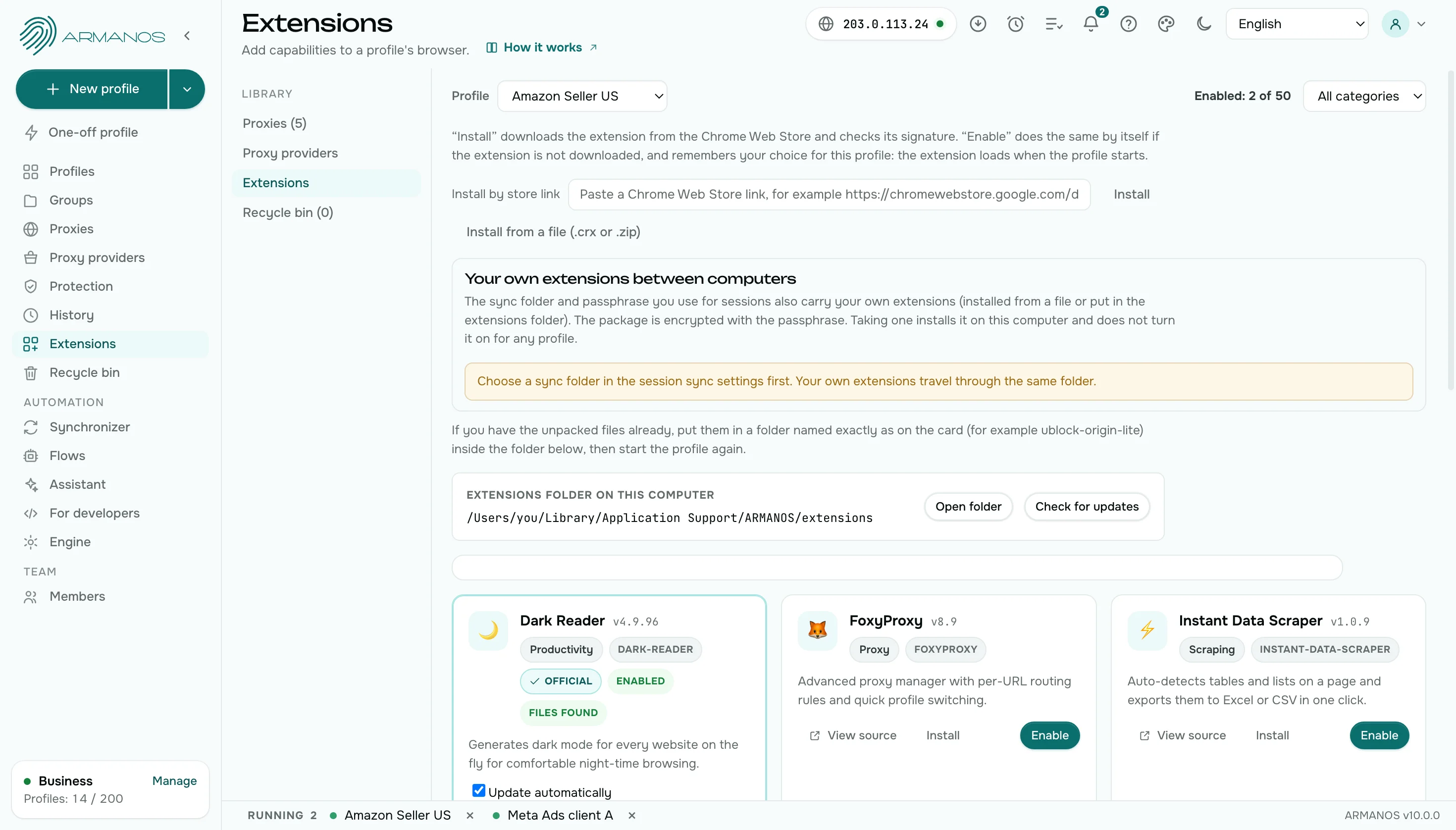
Every profile has its own device and its own cookies. Extensions switch on for a profile from the catalog in two clicks.
Extensions of your own
Spoofing extension
A spoofing extension is one more extension in the same browser.
ARMANOS
Your own extensions work in a profile too. Choose them per profile from the catalog, or install from a store link with a check.
Versions
Spoofing extension
The browser updates by itself, and the extension may fall behind.
ARMANOS
Several ARMANOS Browser kernels live side by side, and every profile is pinned to the one you chose. The version a site reads belongs to the profile.
A new profile
Spoofing extension
Each account needs the extension set up again.
ARMANOS
Create a profile and the device is ready from a template: no switches to flip and no list of values to fill in.
Twin accounts
Spoofing extension
Nothing checks whether two of your accounts end up looking like one machine.
ARMANOS
A button in the Fingerprint window counts how many separate machines your profiles add up to and names the profiles that match. It works on this computer, without launching anything.
Phone profiles
Spoofing extension
An extension changes values in a desktop browser.
ARMANOS
Pick an Android phone or tablet template: the profile carries a real model, a phone screen, touch input and a mobile connection.
What you get
A change before the first answer
The value is issued as it is, so there is nothing left to spoof.
One device from start to end
A profile is assembled as one machine: the parts of the set agree with each other.
A proxy per profile
Every profile reaches the network from its own address.
A kernel of your choice
Keep several ARMANOS Browser kernels side by side and pin the right one to a profile.
When to choose ARMANOS
Different accounts need different devices
One extension gives one identity for the whole browser, while ARMANOS profiles come one per account.
Values must agree everywhere
The engine issues one value in the document, the frame and the background worker.
You need proxies per profile
Exit address, clock and language travel together.
Questions and answers
- Can I use extensions inside an ARMANOS profile?
- Yes. A catalog of 11 extensions switches on for a profile in two clicks, and others install from a store link with a check.
- Do I need a separate profile for each extension?
- No. Extensions are chosen per profile, and the files sit in one folder for all profiles.
- Can I choose the ARMANOS Browser version for a profile?
- Yes. Keep several ARMANOS Browser kernels side by side and pin the one you want to a profile.
- Can I check the result myself?
- Yes. The free fingerprint test reads the values in your own window and sends nothing.
- Is an extension enough for a few accounts?
- An extension changes values in the page of one browser. Accounts that must stay apart need a device, cookies and an address of their own, and a profile gives each one.
- Does ARMANOS block trackers?
- Yes. Every profile rejects requests to tracking hosts and strips 40 tracking parameters from addresses. The Protection screen counts what was blocked.