Esta página ainda não está no seu idioma. Está a ler o texto em inglês.
Comparisons
ARMANOS and profiles in the cloud
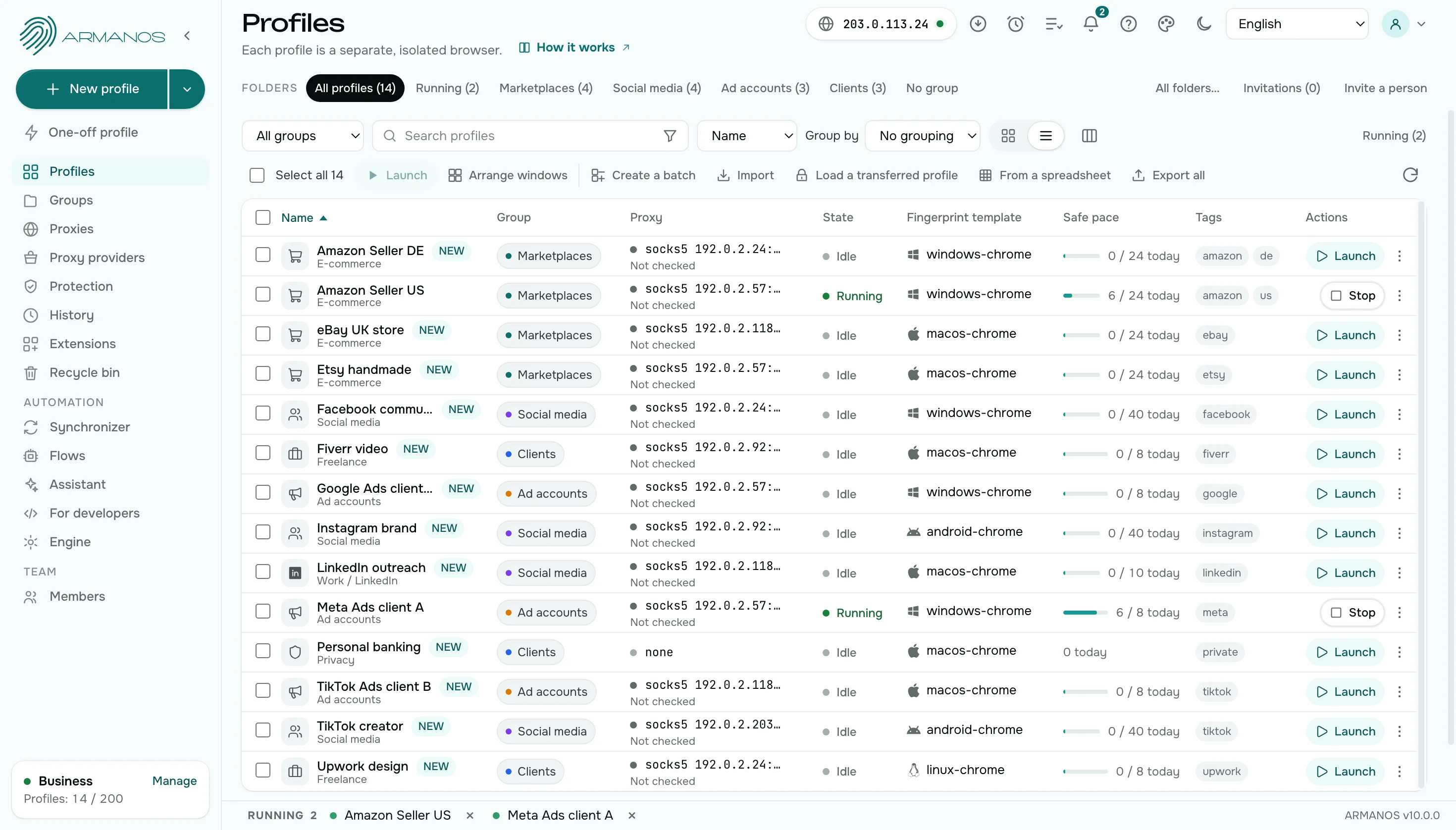
Comparison by point
Eight points: where the session lives, offline work, moving, passwords, sharing, leaving, what the server holds and the two-factor key.
| Profiles in the cloud | ARMANOS | |
|---|---|---|
| Cookies and sessions | Stored on the service server | In the profile directory on your disk |
| Working offline | A network is needed | The app works for a day without a connection to the server |
| Moving to another computer | Through the service server | An encrypted file through your folder |
| A site account password | With the service | With the profile on your computer |
| Sharing a profile | Everyone opens the same stored session | By role, one window at a time, with the holder shown |
| Leaving the service | Only in the form the service offers | Export cookies, or Transfer with session |
| Two-factor key | Wherever you keep it, often a phone | In the profile, with the code in the same window |
| What the server holds | The profile with its cookies and sign-ins | Settings: number, name, group, scenario, proxy and tags |
Working offline
Profiles in the cloud
A network is required to work with profiles.
ARMANOS
The app works for a day without a connection to the server. Changes you make offline wait on the disk and go out when the connection returns.
Another computer
Profiles in the cloud
A session travels through the server of the service.
ARMANOS
Turn on Sync sessions: the file is encrypted on your computer and lands in your folder. Transfer with session moves a whole profile with its sign-ins.
Passwords
Profiles in the cloud
The password of a site account sits with the service.
ARMANOS
The password is kept in the profile on your computer. The Password… item locks the profiles that matter. A one-time code is computed on your machine with no network, and the key stays on this computer.
What the server holds
Profiles in the cloud
The service keeps the profile together with its cookies and sign-ins.
ARMANOS
The ARMANOS server holds settings: number, name, group, scenario, template, proxy and tags. Cookies and site passwords stay with the profile on your computer.
Leaving the service
Profiles in the cloud
A profile leaves the service only in the form the service offers.
ARMANOS
Export cookies saves the cookies of a profile as one file, and Transfer with session moves the whole profile to another computer.
Two-factor codes
Profiles in the cloud
The two-factor key lives wherever you keep it, often on a phone.
ARMANOS
A profile can hold the two-factor key of its account. The One-time code item shows the current code in the same window, computed on your machine, and a scenario can type it itself.
A check before you work
Profiles in the cloud
You open the profile and find out how it looks only when a site reacts.
ARMANOS
The start page of a profile shows the exit address with country and city, the proxy, the engine with its version and the fingerprint. The page is built on your computer and does not show the proxy password.
What you get
Everything on your disk
Cookies, sign-ins and the browser directory sit on your computer.
Working offline
While the server is down, the app works for a day, and edits go up later.
A session on two computers
Cookies and sign-ins travel as an encrypted file through your cloud folder.
A password on a profile
The Password… item locks important profiles in the app.
When to choose ARMANOS
Sessions must stay with you
A profile directory sits on your disk, not on someone else's server.
Your connection can be unstable
The app works without the server for up to a day.
You need a second computer
A session travels as an encrypted file through your folder.
Questions and answers
- What reaches the ARMANOS server?
- Settings: the number, name, group, scenario, template, proxy and tags. Cookies and account passwords leave your computer only when you move a session yourself.
- How do I move a session to another computer?
- Switch on Sync sessions: the file is encrypted on your computer and lands in your folder.
- Where is the profile folder?
- On your own disk: cookies, sign-ins and the browser folder are stored on your computer.
- What if the server is unavailable?
- The app works for a day without a connection, and changes go out later.
- What if I stop using ARMANOS?
- Your profile folders stay on your disk. Export cookies saves the cookies of any profile as one file you can take with you.
- Can I keep a copy of a session?
- Yes. Switch on Sync sessions and an encrypted copy sits in your folder, or save a profile's cookies as a file with Export cookies.