このページはまだお使いの言語では用意されていません。英語の文章をご覧いただいています。
Knowledge base
Repeat your actions in several windows
Two running profiles
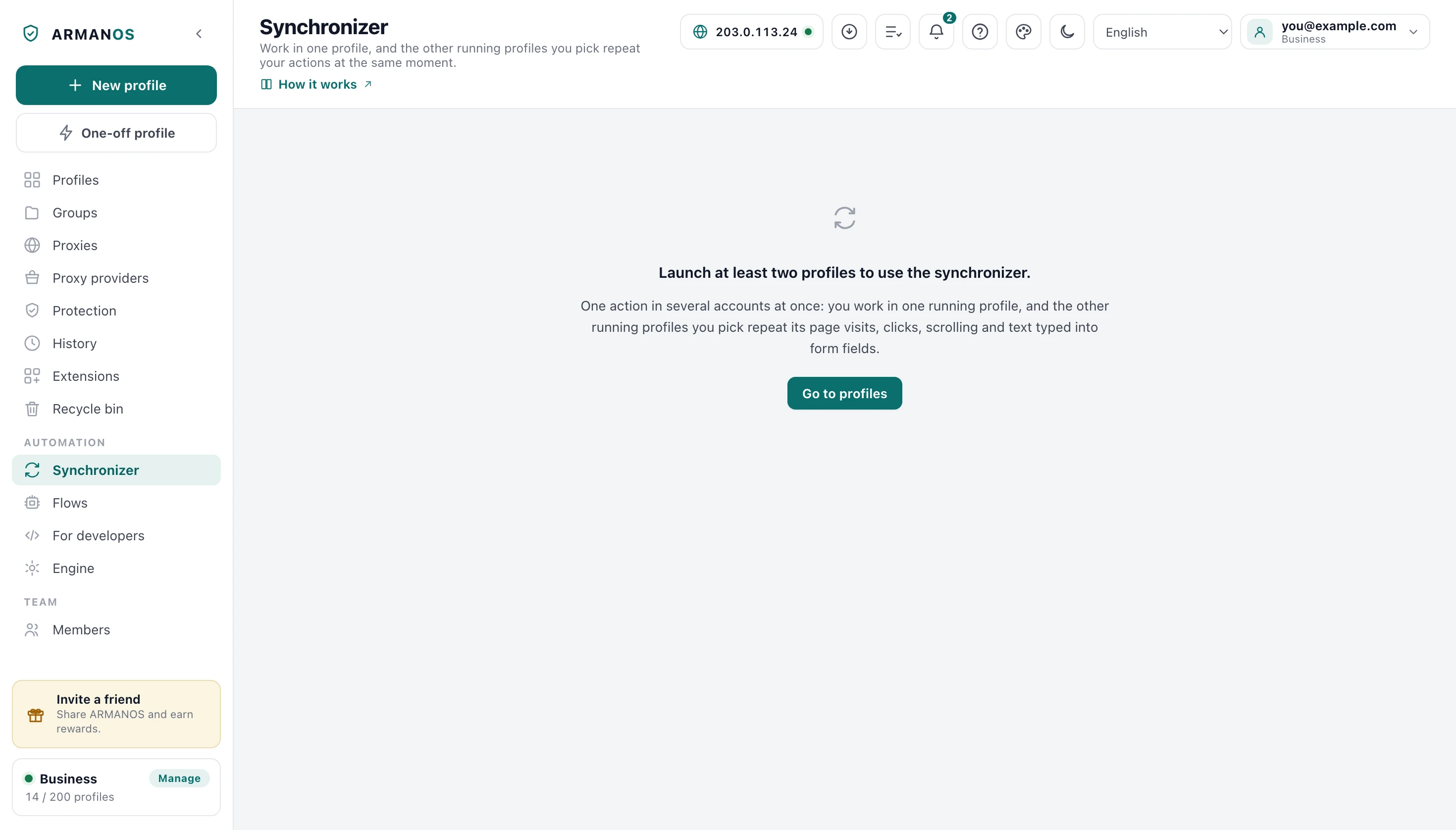
The Synchronizer works with profiles that are open right now, not with the whole list. Until two of them are running, the screen asks you to launch them and offers Go to profiles.
On a plan that allows a single profile, the screen says so and offers See plans instead. The free plan gives two profiles, which is enough for one master and one target.
Starting a session
The master profile is the window you work in. Target profiles are the windows that repeat after it.
- 1
Launch two or more profiles
Launch on each card, on the Profiles tab.
- 2
Open the Synchronizer
The item under Automation in the left column.
- 3
Choose the master
Click its name under Master profile.
- 4
Tick the targets
Click their names under Target profiles.
- 5
Press Start syncing
The button at the top of the screen, next to Not syncing.
What the targets repeat
The targets repeat opening an address, clicks, scrolling the page and text typed into form fields. The hint under Master profile names the main ones.
A click looks for a matching element on the target's page. When there is none, it lands on the same spot of the window, measured in proportion to the width and height of the visible page.
Of the keys, Enter, Tab, Backspace, Delete, Escape, Space and the arrows are repeated, with the caret at the same place in the field as in the master. Enter in a form field submits the form in the target as well.
Before the start
Turning the synchronizer on does not move the targets to the master's page. They follow from the next address the master opens, so open the same site in the targets first or go to it in the master once syncing has started.
On the ARMANOS Browser engine the synchronizer works in the tab that is in front at the moment you press Start syncing, and on the built-in engine in the profile window that last had focus, skipping the start page window while another one is open. Bring the working tab or window forward in each profile before you press it.
Matching pages repeat best
While syncing runs
The status line shows how many windows are synced, and the button turns into Stop syncing. The master and target choices are locked until you stop.
A target keeps its own proxy, fingerprint and cookies. The synchronizer copies actions, not the profile.
How syncing ends
Stop syncing ends the session at once. Closing the master's window ends it too, and closing a target's window takes that target out of the session.
When the last target is gone, syncing stops by itself.
What this does not do
- It does not repeat mouse movement, hovering, dragging or right clicks.
- It does not type in the targets letter by letter. A target's field receives the master's text as it stands, without the letter and digit key presses behind it.
- It does not copy text written in editing areas that are not form fields, such as a rich text box for a post or a message.
- It does not scroll boxes inside a page. It copies the scroll of the page itself.
- It does not follow a tab opened after the start, and it does not spread the actions out in time: the targets act right after the master.
Where this is decided
Each line below names the stand that checks it.
- A target repeats the master's click and scroll, and does not repeat a click made before syncing starts
- apps/desktop/test/синхронизатор-живьём.js
- On ARMANOS Browser the master and the targets work in the tab in front, not in a hidden one
- apps/desktop/test/синхронизатор-берёт-видимую-вкладку.js
- The repeats keep going to the tab chosen when syncing started
- apps/desktop/test/синхронизатор-берёт-видимую-вкладку.js
- On the built-in engine the master and the targets work in the site window that last had focus, not in the start page window
- apps/desktop/test/синхронизатор-берёт-видимую-вкладку.js
- Enter in a field submits the form in the target, text reaches a React field, a click lands on the same one of identical blocks, and the caret travels with the key
- apps/desktop/test/синхронизатор-повтор-в-браузере.js
Questions
- Do the targets need the same site open?
- They follow from the next address the master opens. If they already show the same page, the first click looks for a matching element there.
- Can I change the targets while it runs?
- No, both lists are locked while syncing runs. Press Stop syncing, change the choice and press Start syncing again.
- A target did not click where the master did.
- Its page most likely differed: another state, a banner, a signed out account. When no matching element is found, the click falls back to the same spot of the window, and something else may sit there.
- Is a password typed in the master copied too?
- Yes. Text in a form field travels, a password field included, so start syncing on a page where the targets should type the same thing.
- Does pasting work?
- Yes, as text. Pasting changes the field's text and the text travels, while the shortcut itself stays in the master window.
- Is a session remembered after a restart?
- No. After the program restarts, choose the master and the targets again and press Start syncing.
Try it on two profiles
The free plan gives two profiles, with no time limit and no card.