Questa pagina non è ancora nella sua lingua. Sta leggendo il testo in inglese.
Cookie robot
Browsing history for a new profile
- 30
- Addresses in the built-in pool
- 6
- Groups to choose from
- 6
- Steps per address
- 1 to 40
- Sites per run
- ARMANOS Browser 153.0.7978.0
- Runs inside
An empty profile stands out
Every fingerprint answer can be correct and the profile still shows. A browser someone has actually used carries cookies from sites they never think about, entries in history, cached files, favicons and a pile of stored preferences.
It is the same shape as an incognito window: right on paper, empty behind. A VPN changes the address you arrive from and nothing about the jar, and a virtual machine hands you the same emptiness one level up.
The robot goes in first
The robot spends time in the profile before you do. It opens ordinary public pages, lets them set their own cookies, scrolls, waits and moves on.
What this is and is not
What the robot does
The robot opens your profile the ordinary way: its own fingerprint, its own proxy, its own storage folder, inside ARMANOS Browser when the fork is installed. Cookies land the way cookies always land, set by the site, in the profile's own session.
The robot has no engine of its own. It rides the same engine the flows you built run on, so the queue, the Cancel button and the line in the task centre are the ones you already know.
Six steps on every address
Every address gets the same six steps, and the timing is a range rather than a number. The seconds you pick are the centre: a real pause comes out between 60 and 140 percent of it, and the scroll depth differs each time too.
- 1
Open
Navigate to the address and wait for the load event, with a twenty second ceiling.
- 2
Settle
A short random pause so scripts and images finish before anything touches the page.
- 3
Scroll
Move down 400 to 1100 pixels, the way a person skims the top of a page.
- 4
Read
A second random pause, the longest share of the dwell so far.
- 5
Scroll again
Another 300 to 1200 pixels further down.
- 6
Leave
A final pause, then the next address.
No two profiles match
Every profile gets its own selection and its own order, not one shared by the run. Launch nine profiles into one run and you get nine different lists in nine different orders.
Two profiles that visited the same nine sites in the same order inside the same minute have traded one correlator for another. So the app shuffles the pool with Fisher-Yates: sorting by a random comparator favours some orders over others.
We check the shuffle by drawing the first position six hundred times. No address takes more than fifteen percent of those draws, and at least sixty percent of the pool comes up first at some point.
Which addresses
Drawn from the groups you ticked, or from your own list.
In what order
Its own for every profile in the run, not one order for all.
How long on each
Three pauses per page, each one its own length.
How far down each page
Two scrolls per visit, each one its own depth.
Thirty addresses in six groups
Six groups, thirty addresses, all https, none repeated between groups. Nothing in the pool needs an account: a robot that lands on a sign-in wall produces no history at all, plus a run of failed sessions.
Tick the groups that match what the profile is for. A shop profile can lean on shopping and search, a social profile on video and forums, and anything you untick is never touched.
| Group | Addresses | What is in it |
|---|---|---|
| Search | 4 | Bing, DuckDuckGo, Brave Search, Ecosia |
| News | 6 | BBC, Reuters, The Guardian, AP, Al Jazeera, DW |
| Shopping | 5 | eBay, Etsy, AliExpress, IKEA, Zalando |
| Reference | 5 | Wikipedia, Stack Overflow, GitHub, IMDb, Archive.org |
| Video and forums | 5 | YouTube, Reddit, Pinterest, Twitch, SoundCloud |
| Everyday | 5 | Weather, Booking, Tripadvisor, Allrecipes, ESPN |
How long a run takes
You pick 3, 5, 8, 12, 20 or 30 sites and 10 to 90 seconds on each, and the defaults are 8 and 20. Even around the window nobody can ask for more than 40 sites or more than 300 seconds each, so a run that never ends is not on offer.
You see the time before you start: the addresses times the seconds on each, plus three seconds per navigation. Profiles run one after another, so the window names both the per-profile figure and the total you will wait.
- 8 sites, 20 seconds each
- about 3 minutes per profile
- 12 sites, 30 seconds
- about 7 minutes
- 20 sites, 45 seconds
- about 16 minutes
- 30 sites, 60 seconds
- about 32 minutes
- 5 profiles, 8 sites, 20 seconds
- about 15 minutes in total
You see these figures before you press start, and the window warns you when the groups you ticked hold fewer addresses than you asked for.
The count you are promised
The number you ask for and the number available are two different things. The Search group holds four addresses while the window offers twenty, so asking for twenty from that group means four.
The promise and the run agree. The window names the addresses available and that is exactly how many get visited: asking for more than the ticked groups hold is not possible.
We check the promised minutes against the real ones, and we do it on the working part of the app that counts your run rather than on a description of it.
Starting a run
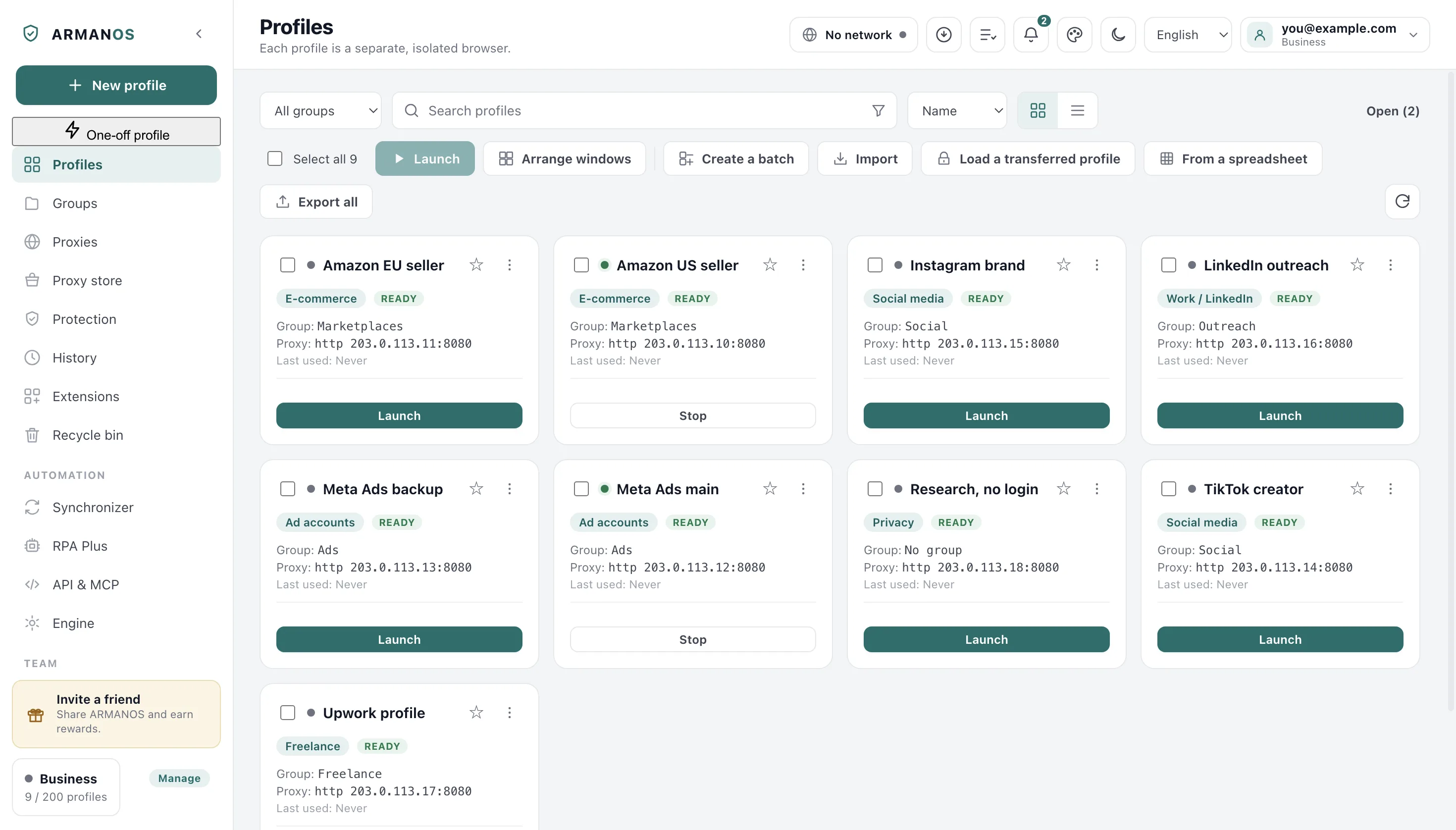
Everything happens in the profile list: one profile from its card menu, or several at once with Cookie robot in the bulk bar. The dialog names the profile, or says how many are selected.
You can keep working while it runs. The profiles it drives are open browser windows, so leave them alone until the task centre says the run is finished.
- 1
Attach the proxy first
History collected through the wrong exit is worse than no history.
- 2
Open the dialog
Cookie robot in the card menu, or Cookie robot in the bulk bar with several profiles ticked.
- 3
Choose what to browse
Tick groups, or paste your own addresses, one per line.
- 4
Set the size
How many sites and how many seconds on each, with the estimate updating as you change them.
- 5
Start and leave it
Watch the task centre, cancel any time, sign in after it finishes.
What this does not do
- It does not create accounts and does not sign in anywhere. Every address in the pool is public, and the only steps generated are navigation and scrolling. There is no typing, no clicking and no form filling.
- Its pages are counted against that profile's day. Your count rises on any top-level load in a profile window, and a robot run drives that same window. On the first day a profile's recommended count is at its lowest, so a run started then eats into it.
- It cannot make a profile old. The cookies and history it leaves are dated today. It gives a profile a few hours of past, not a few months, and nothing in the app pretends otherwise.
- It cannot be scheduled or called from outside. It runs from the app window only. What you put on a schedule is a saved flow, and the robot has no saved flow, so there is no robot method in the local API or in MCP.
- The built-in pool is thirty global addresses in six groups, with no per-country and no per-platform variants. For local sites you paste your own list, up to sixty addresses.
- It does not check the result. It does not verify that a cookie was actually stored or that a page rendered the way a person would see it. All you get back is that a step ended in an error, and that is the whole of the verdict.
How to check
Every claim above sits in a file you can open, and most of them are held down by a stand that executes the real code.
- Thirty addresses in six groups, shuffled per profile with Fisher-Yates, six steps per address
- apps/desktop/src/lib/cookieRobot.js · apps/desktop/test/cookie-robot.js
- The generated steps are accepted by the automation engine unchanged, with nothing dropped or rewritten
- apps/desktop/src/lib/rpa.js · apps/desktop/test/cookie-robot.js
- The run promises the number of addresses it will really visit, in the window and in the main process alike
- apps/desktop/src/main/main.js · apps/desktop/test/robot-promise-kept.js
- Each profile is asked for its own steps by the shared run driver, so no two get the same list
- apps/desktop/src/main/main.js · apps/desktop/test/robot-promise-kept.js
- A run that hits the open window limit waits for a slot instead of failing the profile
- apps/desktop/src/main/main.js · apps/desktop/test/сценарий-ждёт-места.js
Questions
- Can I browse my own list of sites instead?
- Yes: one address per line, http or https, up to sixty of them. Your list replaces the groups completely, and the window says so before you start.
- What happens if every browser window is busy?
- Your profile waits for a free window instead of going down as failed, and the app looks for a slot every five seconds, for up to half an hour.
- Can I read a run that finished overnight?
- The last twenty finished runs sit on disk, so you can open the night one the next morning with its step counts.
- What does the Cancel button do to a run in progress?
- The run stops, but not with a jerk: a navigation or a scroll in progress is finished first, and a pause is cut short.
- When is the best time to run it?
- Once, after the proxy is attached and before the first sign-in. The day by day half of warming is the safe pace ramp on the profile card, which lifts the recommended daily ceiling over seven days.
Read next
Profiles
What a profile holds and why each one is a separate browser.
Proxies
Attach the exit before the robot collects any history through it.
Safe pace and warm-up
The day by day half of warming: a seven day ramp on the daily ceiling.
Automation builder
The engine the robot rides, with steps you write yourself.
Try it on one profile
Make a profile, attach a proxy, run the robot for three minutes and look at what the profile carries afterwards.