यह पृष्ठ अभी आपकी भाषा में उपलब्ध नहीं है। आप अंग्रेज़ी पाठ पढ़ रहे हैं।
Knowledge base
Move a profile to another computer
Close the profile first
Its databases are being written while its browser is open, and half of them would end up in the file. The app refuses the export and says so rather than writing a broken one.
Write the transfer file
The file holds everything that keeps the profile signed in: cookies, saved logins, site data, the two-factor key, the account password and the proxy password. Whoever opens it can sign in to those accounts, which is why the password is not optional.
- 1
Right-click the profile card
The menu appears next to it.
- 2
Choose Transfer with session
The password prompt names what goes into the file.
- 3
Set a password of at least eight characters
Shorter is refused rather than accepted quietly.
- 4
Save the file
Caches are left out: sites rebuild those by themselves.
Load it on the other computer
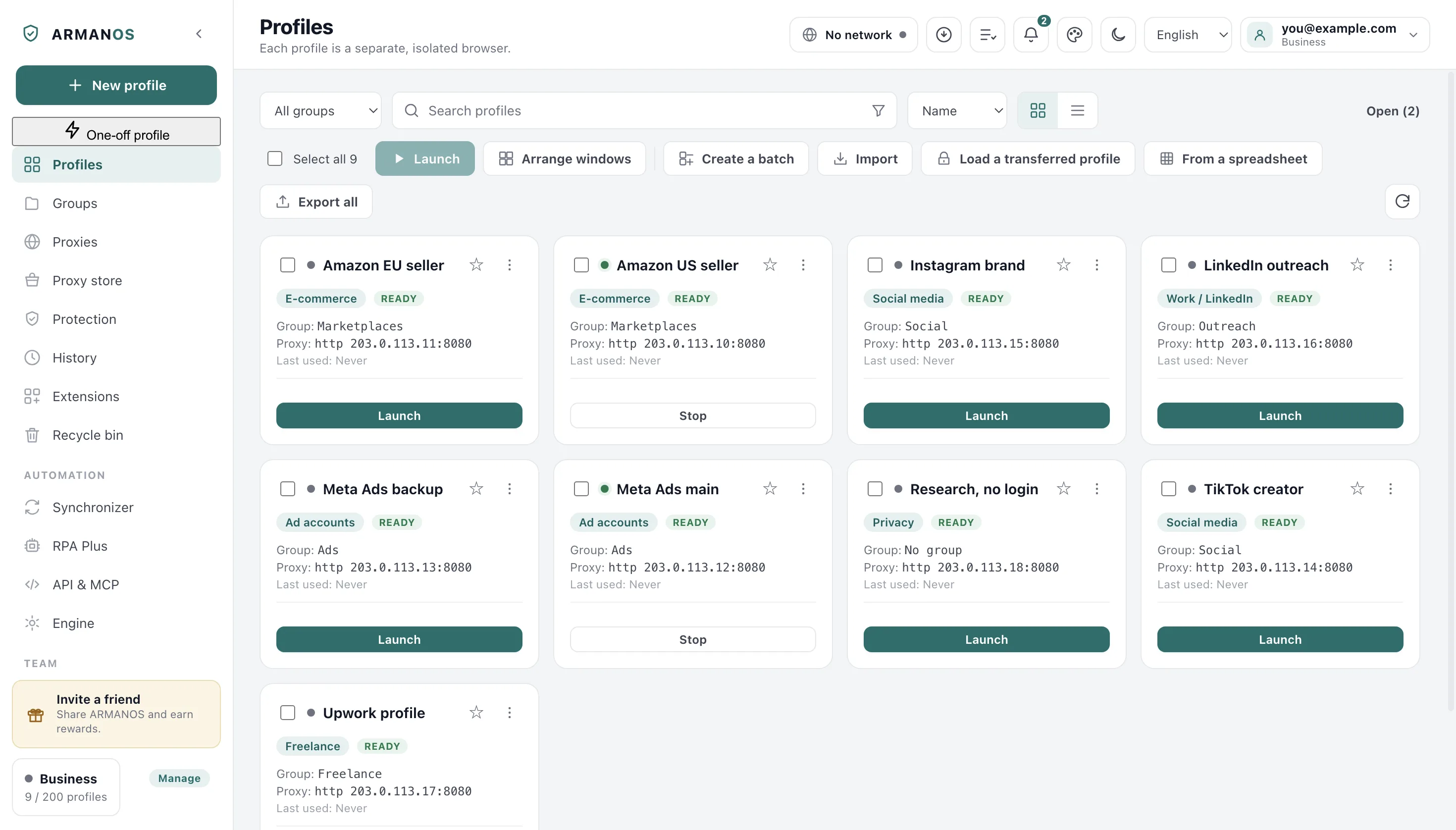
The button sits on the toolbar and on the empty list screen too, because a new machine is exactly where the list is empty.
- 1
Press Load a transferred profile
On the toolbar above the list.
- 2
Pick the file and type its password
A wrong password is named as wrong.
- 3
Read what the app says
It names the profile and says whether the session came with it.
Why the number travels too
The fingerprint is derived from the profile's number, so a profile arriving with a new number arrives as a new computer. Familiar cookies on an unfamiliar machine is the worse half of both.
When the account issues a new number instead, the app says plainly that the fingerprint changed.
When the profile is already there
On a second computer of the same account the settings have usually arrived by sync already. The profile is not made a second time: the session is placed inside the one that is there.
The file also writes what the fingerprint is built from: its generation and the values you picked by hand. The proxy country, the two-factor key and the saved sign in come from the file too, and the extensions it names are switched on for that profile.
The name, the scenario, the group, the template and the proxy entry itself are left as they are.
A folder instead of a file
Session in the folder points the app at a folder your own cloud already syncs. A profile closes and its session goes there encrypted; on the other computer it arrives before the profile opens.
You decide what goes through the folder. In the Engine section, card «Sessions on two computers, through a folder», the block «What goes through the folder» lists cookies, saved passwords, extension data, site storage, history, bookmarks and Service Workers.
A tick is saved at once and applies from the next sync. By default everything goes except Service Workers.
For one profile the choice is made in the profile window, block «What goes through the sync folder»: «As in the general settings» or «Own choice for this profile». The profile's own choice is stronger than the general one and travels through the account to every computer where this profile is opened.
What you turn off stays on this computer only: sending does not take it away, and taking a session from a computer where it goes does not erase it. Browser settings and autofill always go, and an export to a file carries everything. If you turn off site storage but keep cookies, a site on the other computer sees a familiar login without its own markers: that is how a cleaned browser looks.
A session with at least one kind turned off is not taken by an older version of the app on the other computer, and that version leaves its own data alone. There it says “This is not an ARMANOS transfer file.”: update the app and the sync carries on.
You learn about it here too. When the app sees a session in the folder sent by a computer with an older ARMANOS, it says so once in a notification: it names that computer, its version and what is lost. While that computer keeps the same version, the notification does not come again.
Sessions with a kind turned off do not reach it. From it the whole session goes to the folder, turned-off kinds included: that version does not know the «What goes through the folder» choice. A profile password is not asked for there.
When both sides changed neither is touched
What this does not do
- It does not carry the browser engine. Each computer installs its own. The pinned kernel number travels in the transfer file; the kernel itself does not.
- It does not move a running profile. Close it first, or half a session ends up in the file.
- It does not keep the file readable to you alone. Anyone who knows the password can sign in to those accounts.
Where this is decided
Each step above is one place in the code and one stand.
- The file is encrypted, the cache is left out and the number travels
- apps/desktop/test/profile-bundle.js
- Both sides changed means neither side is overwritten
- apps/desktop/test/session-sync-folder.js
- An older version on the other computer is named once
- apps/desktop/test/старая-программа-в-папке.js
- Signing in never destroys what only this machine knows
- apps/desktop/test/sync-preserves-local.js
- The second machine is refused and told who holds the profile
- apps/server/test/profile-lock.js
Questions
- How big is the transfer file?
- As big as the session without its caches and without the components the engine downloads for itself. A session too large for one file is refused rather than written in half.
- The session did not come with it.
- The app says so and you sign in again. The profile itself is on the machine either way.
- Does the proxy travel with it?
- Yes, with its password. On disk the system seals that password on Windows only: on macOS the key ships inside the program, and on Linux it is written as typed.
- Can two computers open one profile at once?
- No. A profile is locked to the machine that opened it, the second one is told who holds it, and closing it releases the lock.
Try the move on one profile
The free plan gives two profiles, with no time limit and no card.