Wala pa ang pahinang ito sa inyong wika. Binabasa ninyo ang tekstong Ingles.
Proxies
A proxy per profile
- HTTP, HTTPS, SOCKS5, SSH
- Connection kinds
- Never
- Password on the command line
- ARMANOS Browser 153.0.7978.0
- Measured on
- Set by the exit country
- Clock and languages
One exit per profile
A profile is a whole browser session: its own cookies, its own storage, its own fingerprint. You set its proxy on that same profile.
No global switch puts every window behind one address. You pick one of four connection kinds, and a profile with an unknown kind does not launch.
HTTP
The ordinary form most sellers deliver. The hop to the proxy is plain, the rest is whatever the site uses.
HTTPS
The same thing, with TLS on the hop between the browser and the proxy.
SOCKS5
Carries any TCP connection. The site name goes to the proxy inside that connection rather than to your own resolver.
SSH
Not a proxy at all. A tunnel to a server you already have, turned into a real SOCKS5 on loopback before the browser sees it.
The proxy library
Fifty lines from a seller become fifty entries in one paste. You keep an address once, and fifty profiles point at it.
A profile keeps its own copy of the connection, so deleting a library row never silently changes where a working profile goes out.
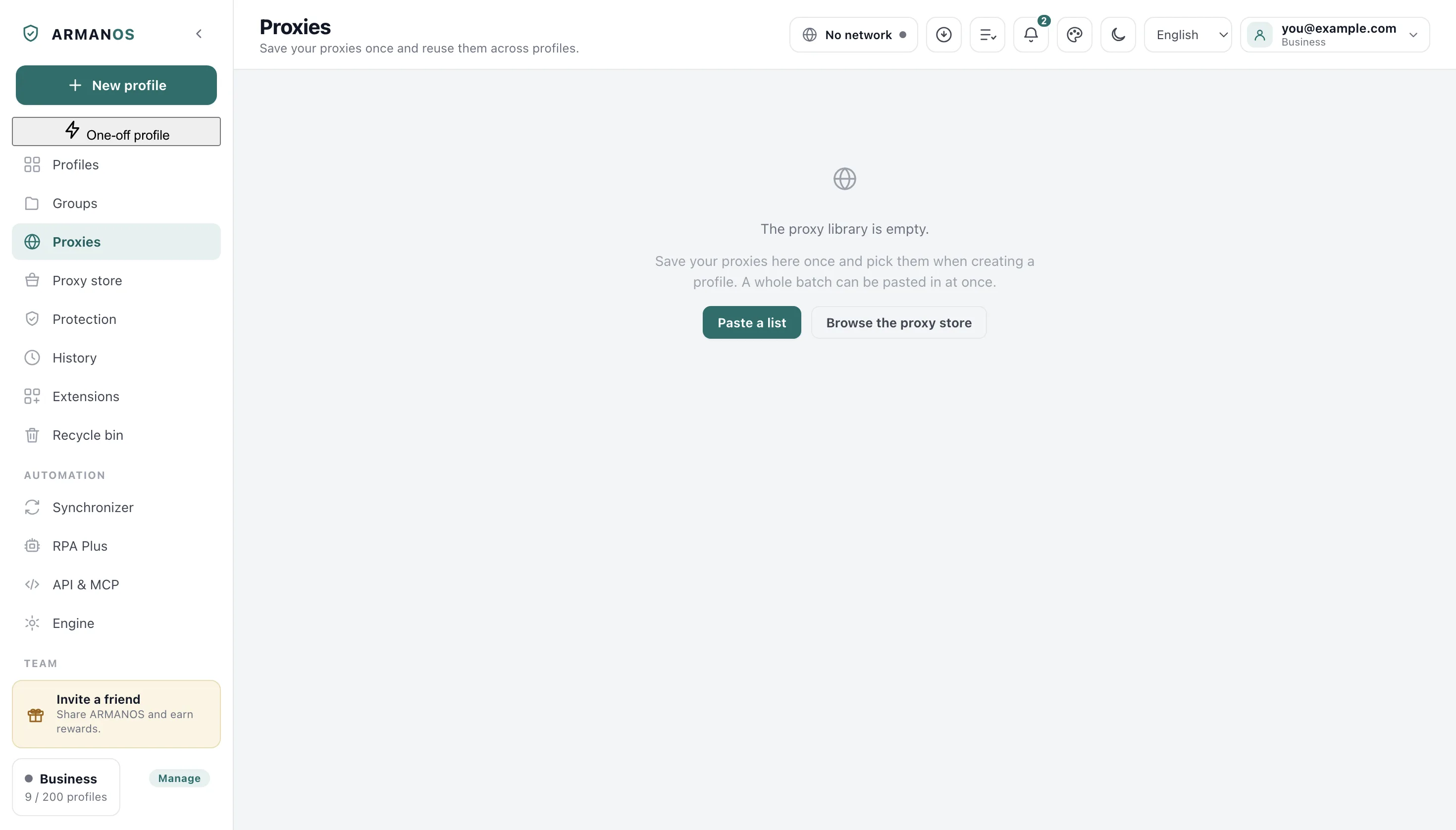
Around the library
Search and filters find a proxy, Copy puts lines on the clipboard, and Export writes a file. The Proxy cell of a profile opens a picker with search and New proxy as a line…
Traffic saver stops images and video in a profile. For eight providers the knowledge base shows host, port and login with a finished line.
The password stays out of the command line
Every process under your account can read a command line, and residential traffic is sold by the gigabyte. So your password goes to a small bridge on loopback.
It also does not work the other way. Measured on the shipping build:
- --proxy-server=http://user:pass@host:port
- 0 requests, no page loaded
- --proxy-server=http://127.0.0.1:port, bridge in front
- 13 requests through the proxy
Measured on the shipped ARMANOS Browser 153.0.7978.0. The engine refuses a password written into the launch line, so a proxy with a login goes through the loopback bridge.
Everything goes through the proxy
A rule that names only plain http leaves https going out direct, and today https is everything. Your profile has one address, and every scheme goes through it.
WebRTC is the other way out, and the profile's WebRTC mode decides it. In the default mode it is closed the same way; Real shows your address on purpose, and an extension with the privacy permission can override the mode.
| What | Where it goes |
|---|---|
| HTTPS pages | Through the profile's proxy |
| HTTP pages | Through the profile's proxy |
| Hostname lookups on SOCKS5 | To the proxy: SOCKS5 itself carries the name |
| WebRTC UDP | Blocked past the proxy, except in Real or under an extension with the privacy permission |
| The ARMANOS start page | Loopback, and its one address check deliberately through the proxy |
| The app's own traffic to your account | Your own connection, no profile proxy |
The exit country sets the clock
A clock that disagrees with the address is among the first things a fraud check looks at. The exit country decides the profile timezone and languages.
Your profile asks the country through the proxy itself, over TLS, from up to four providers.
The proxy is checked before every launch. A proxy that does not answer does not open the profile, and the profile row says why.
| Exit country | Clock | Languages |
|---|---|---|
| Germany | Europe/Berlin | de-DE, de, en |
| Brazil | America/Sao_Paulo | pt-BR, pt, en |
| Ukraine | Europe/Kyiv | uk-UA, uk, ru, en |
| Japan | Asia/Tokyo | ja-JP, ja, en |
Changing the address
Mobile addresses are bought because they change. The app walks the rotation link directly, not through the channel being restarted.
- 1
By hand
Change IP on a library row. You see the address before and after, so you know what happened, not what was asked.
- 2
Before a launch
With Get a fresh IP before each launch ticked, a profile asks for a fresh address every time it opens. If the change fails the profile does not open.
- 3
While the profile is open
With Change the IP while the profile is open set, an address changes on its own while the profile works, and only while it works: a closed profile has no reason to spend a change. The clock starts within the first minute after you open the profile, not when the app starts.
- 4
Spread across the library
Fifty profiles take fifty different addresses from one list instead of crowding onto the first.
Your own server as the exit
A server you already have is an exit that costs nothing extra. An ordinary ssh with dynamic forwarding runs next to the profile, and the browser sees a real SOCKS5 on loopback.
The password never touches the command line here either.
The key file path stays on this computer
What this does not do
- It does not sell you proxies. The Proxy providers screen is a directory of 8 providers, and an order there is only a recorded request: no payment, and nothing lands in your library by itself.
- A check is a moment in time, not a verdict. It says the address answered from a country just now, and nothing about how a site treats it.
- Clock and language follow the exit only for countries in the app's own list. Outside it the profile keeps the timezone and languages its own fingerprint generated, and you get no warning.
- Changing the IP depends entirely on the seller's link. ARMANOS walks it and measures the result, but it cannot force a modem to take a new address, and it says so when nothing changed.
- On the built in engine the loopback bridge runs without a pass, so while such a profile is open another program on this machine could reach that port. On ARMANOS Browser the protection extension answers it.
How to check
Every claim above is in one file, and most are held down by a stand you can run.
- The proxy rule applies to every scheme, so https cannot go around it
- apps/desktop/src/main/main.js · apps/desktop/test/proxy-covers-https.js
- The password and the site name both reach the proxy through the loopback bridge, never the command line
- apps/desktop/src/lib/proxyAuthBridge.js · apps/desktop/test/proxy-auth-bridge.js · apps/desktop/test/прокси-с-паролем-живьём.js
- What each system does to a proxy password on disk
- apps/desktop/src/lib/proxies.js · apps/desktop/test/proxy-password-sealed.js · apps/desktop/test/шифрование-правда-по-системам.js
- The check takes the same road as a launch, bridge and tunnel included
- apps/desktop/src/main/main.js · apps/desktop/test/proxy-check-uses-bridge.js
- The SSH exit keeps the password out of the command line and off disk
- apps/desktop/src/lib/sshTunnel.js · apps/desktop/test/выход-по-ssh.js
- A proxy that does not answer does not open the profile, and the refusal says why
- apps/desktop/test/запуск-с-молчащим-выходом-живьём.js
Questions
- Where are proxy passwords kept on disk?
- On Windows the system seals them with a key tied to your Windows account. On macOS they are sealed with a key that ships inside the program, and on Linux they are written as typed, so on both this does not protect against anyone who can read your user folder.
- Does a shared team account carry passwords around?
- Not in the ordinary list. Below manager a password comes down only for a proxy behind a profile opened to that person, and a manager pulling the whole library leaves one log line with a count.
- What does a check actually tell me?
- That the address answers, which IP and country it exits from, and the time to first response. It promises nothing about tomorrow or about how a platform treats it.
- Does the check use the same road as a launch?
- Yes. A proxy with a login goes through the same loopback bridge, and an ssh entry raises a real tunnel first, so a passing check means a launch too.
- Can two profiles share one address?
- They can, and it is usually a mistake. Two accounts leaving through one address is exactly the pattern a platform reads as one person.
Read next
Profiles
What a profile holds besides its proxy, and how it stays separate.
Fingerprint
How the clock, the language and the rest of the identity follow the exit.
ARMANOS Browser
The engine behind everything above, and what it substitutes inside.
Leak check
The addresses WebRTC hands out, read in your browser with no request outward.
Change the proxy of a profile
Copy and export proxies
Save proxy traffic
Proxies from any provider
Give each profile its own way out
In ARMANOS, paste your proxy list once and open a profile behind it.